Typography
Our custom typeface is distinctly ours — and when combined with content written in our brand voice, our typography makes us authentic and instantly recognizable.
Visit the Fonts page to view and download Micron Basis
Click to expand
Our corporate font
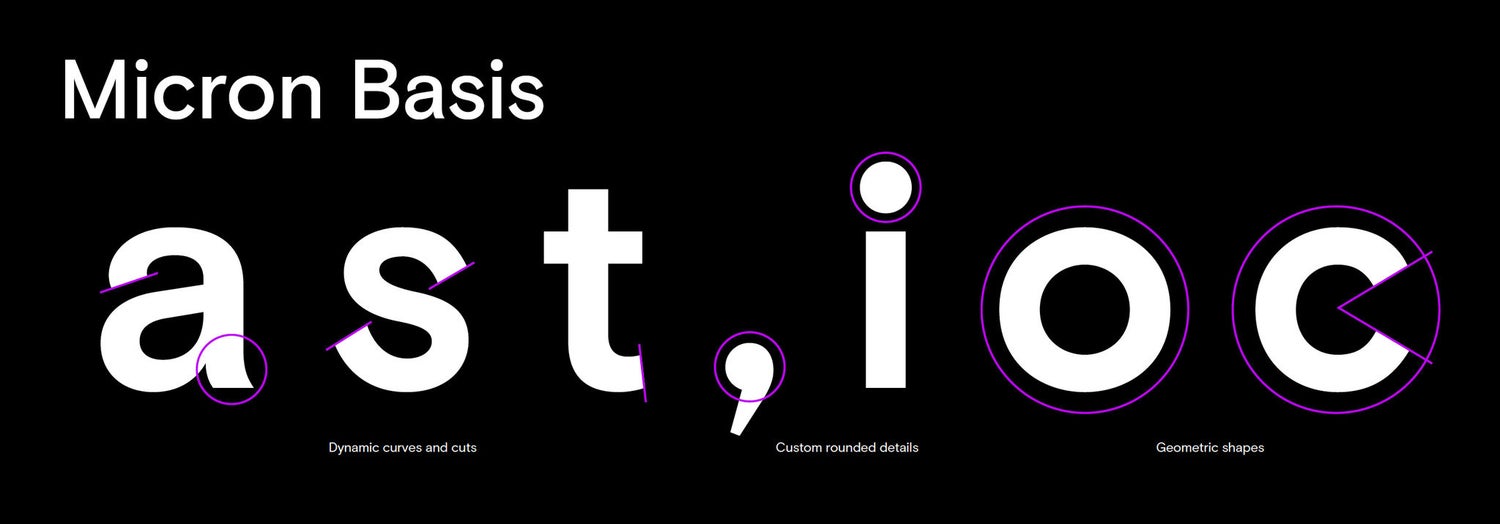
Our typeface is Micron Basis. Combining dynamic curves with sharp edges, the font is precise, functional, and features custom rounded details in punctuation marks.
Click to expand
Micron Basis
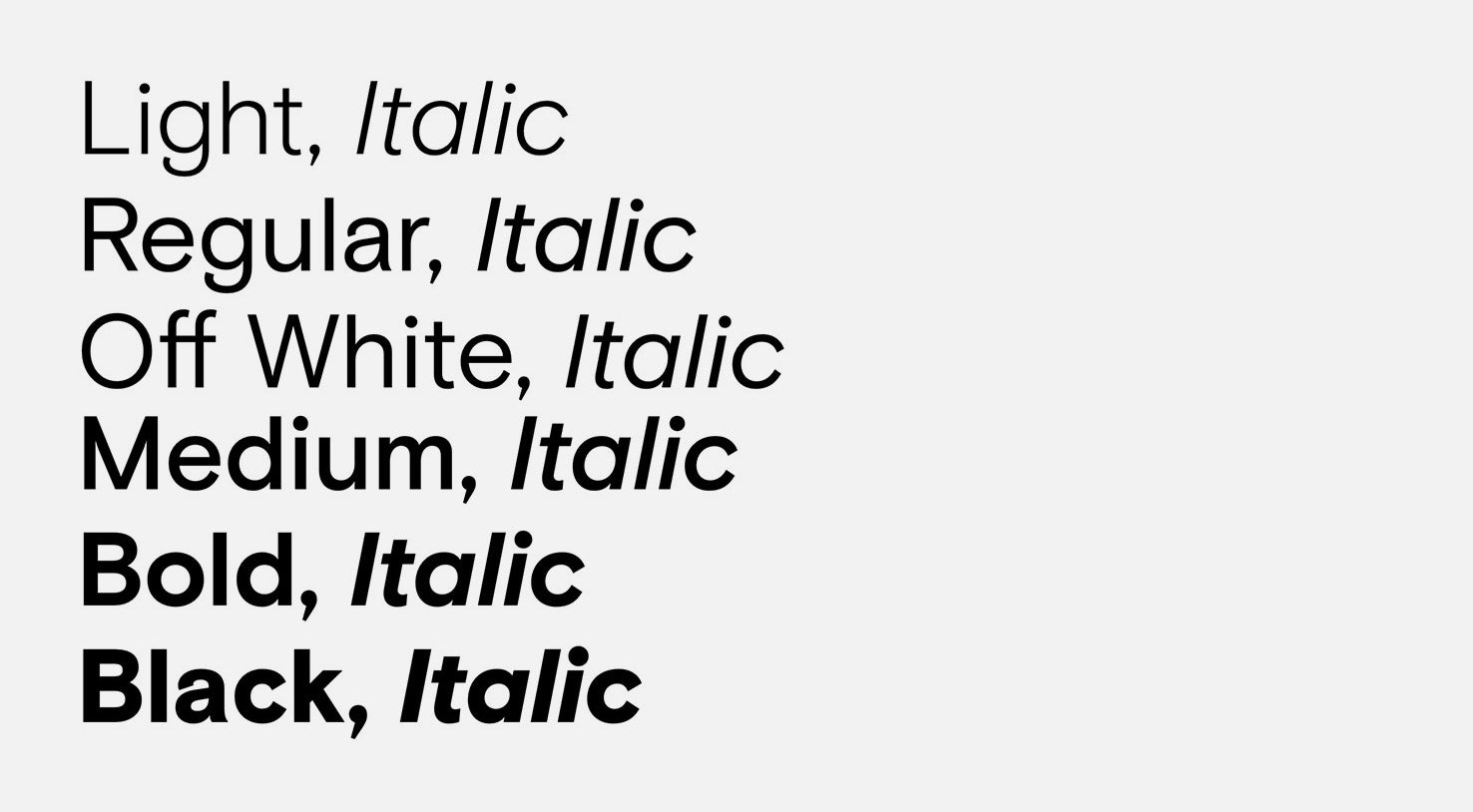
Micron Basis, a robust sans serif font, balances a crisp legibility with warm features.
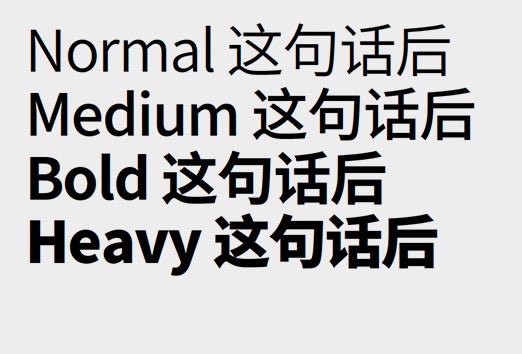
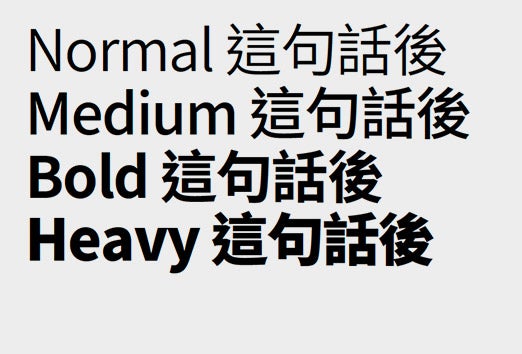
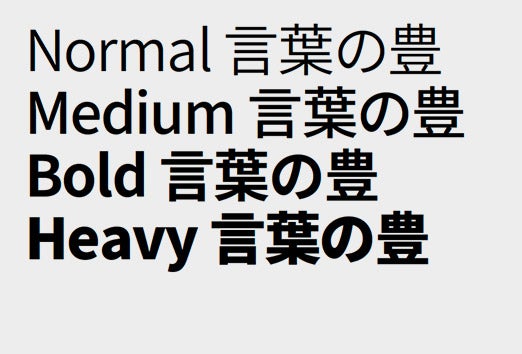
It is available in a wide range of weights and characters and flexes across digital and print applications. The Regular version of the font comes in an Off White option specifically drawn to be used as a knockout over black and our gradients.
Please contact the Micron Corporate Brand team at brand@micron.com for more information about access to Micron Basis.
Additional fonts
Our system font is Arial. Use it in general business communications, including PowerPoint and Word documents, to ensure consistency and to avoid inadvertent font changes.
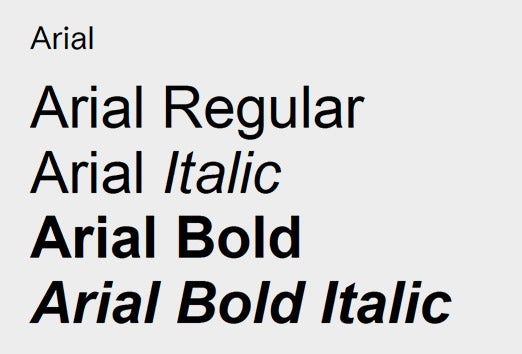
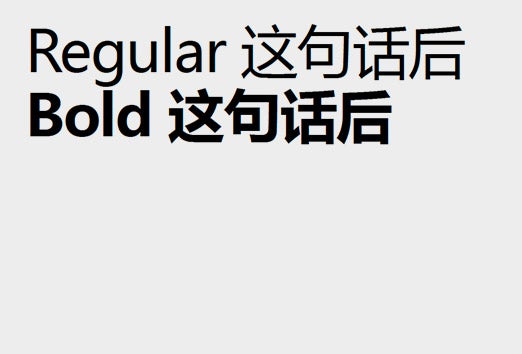
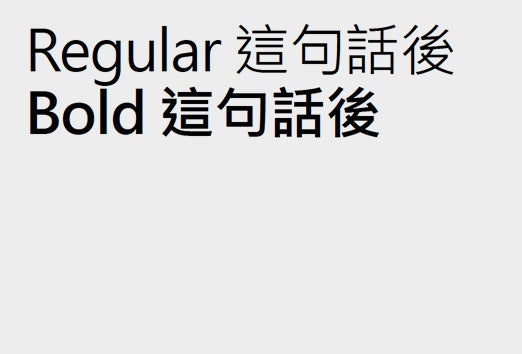
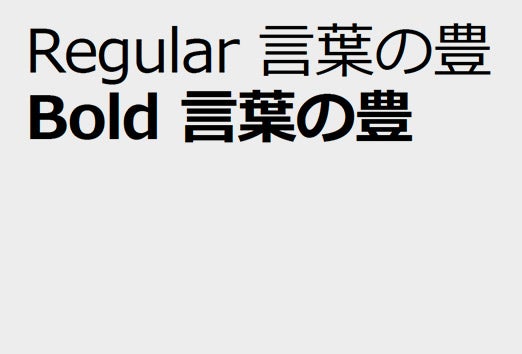

Click to expand
Typography colors
Typography in our system is limited to white or black, with minimal use of our accent color. Avoiding colored typography allows our vibrant graphic elements to shine and our message to be clear.
- Use white text over gradients and black backgrounds.
- Use black text on white backgrounds.
- In print communications, all black text under 24pt must be 100% black, not our rich black.
- The accent color can highlight links.
Gradients can be used in headlines on black backgrounds for hero moments.
Logo and headline
Scale
A properly-sized logo should not be bigger than the headline or main message that conveys the benefits of the product or subject being promoted.

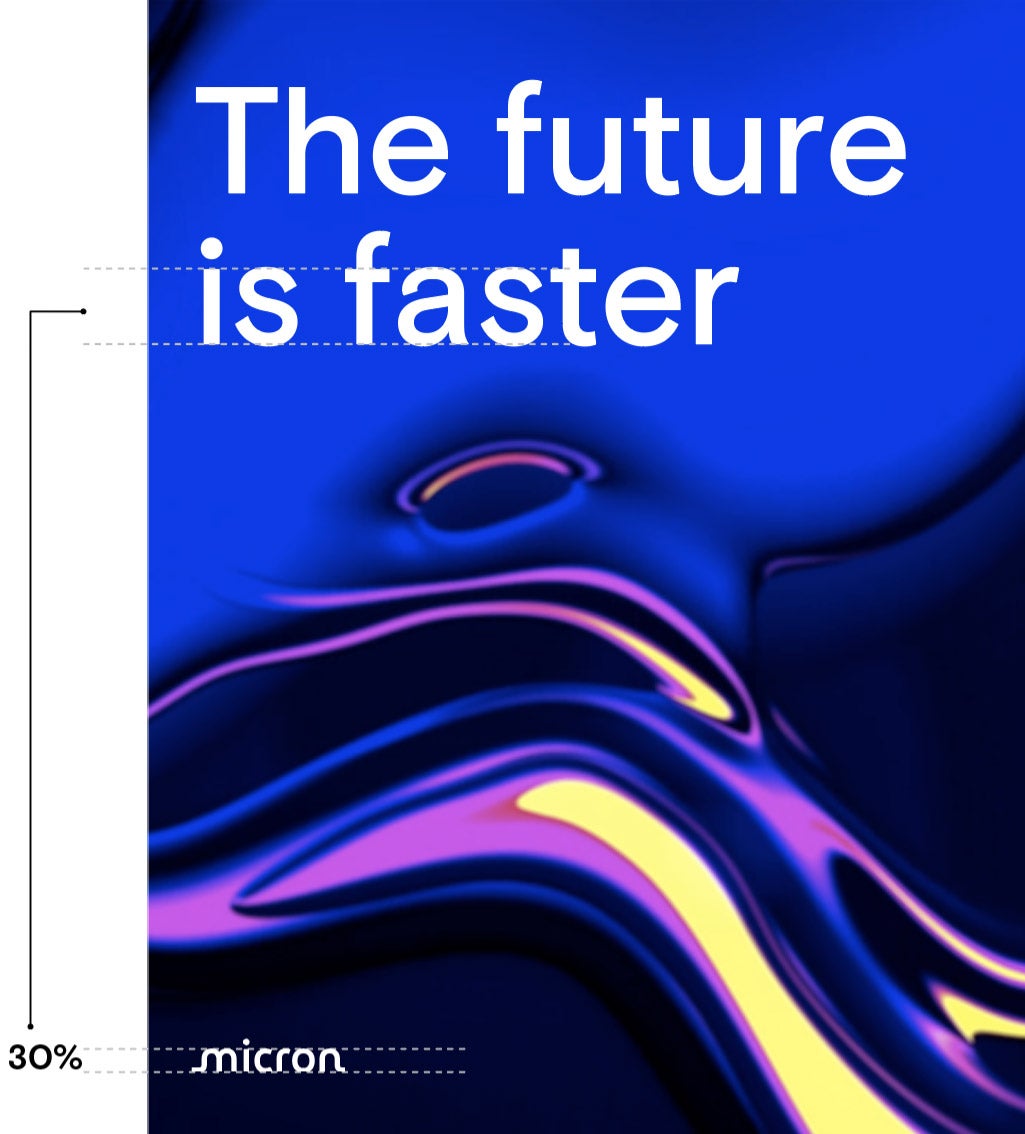
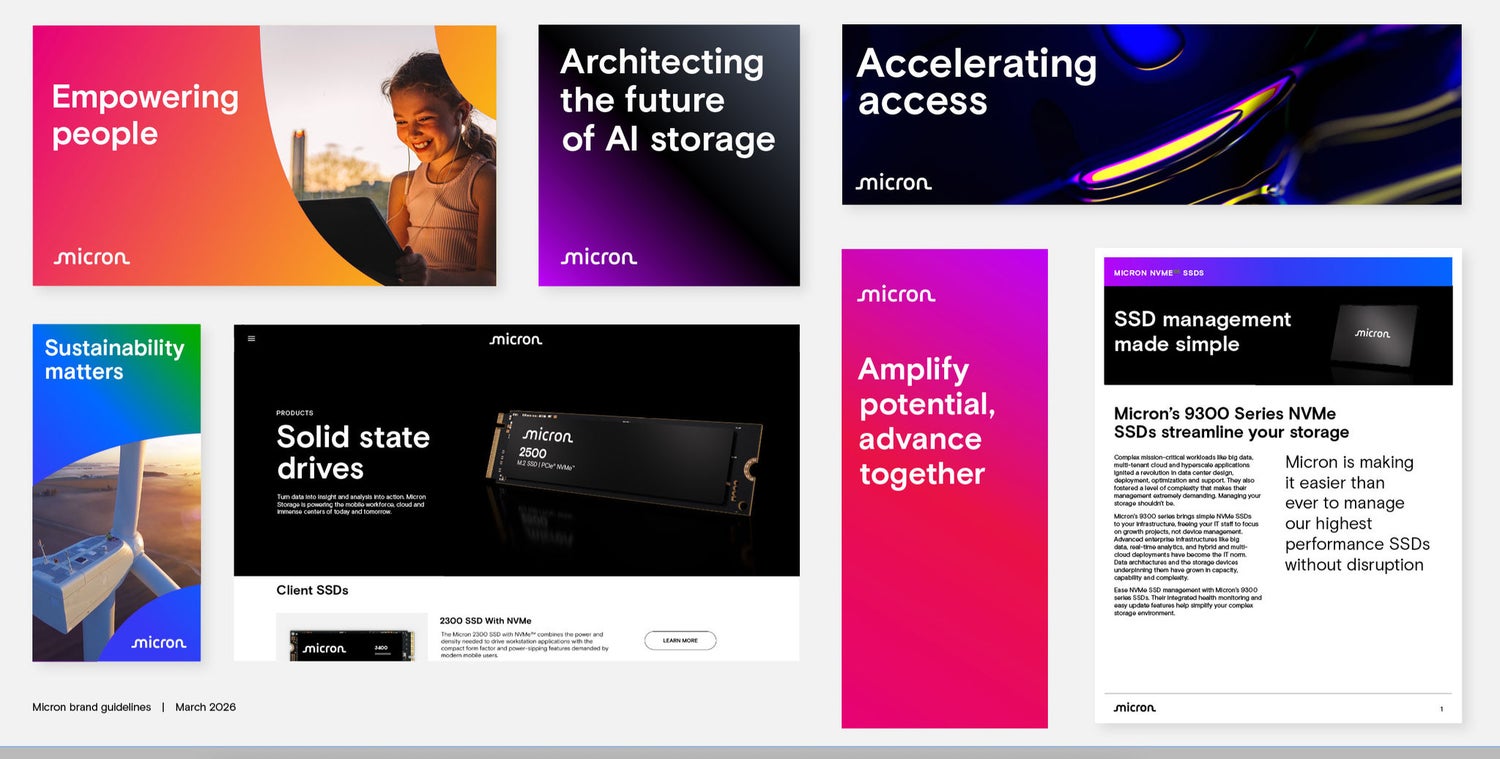
Click to expand
Logo and headline
Examples
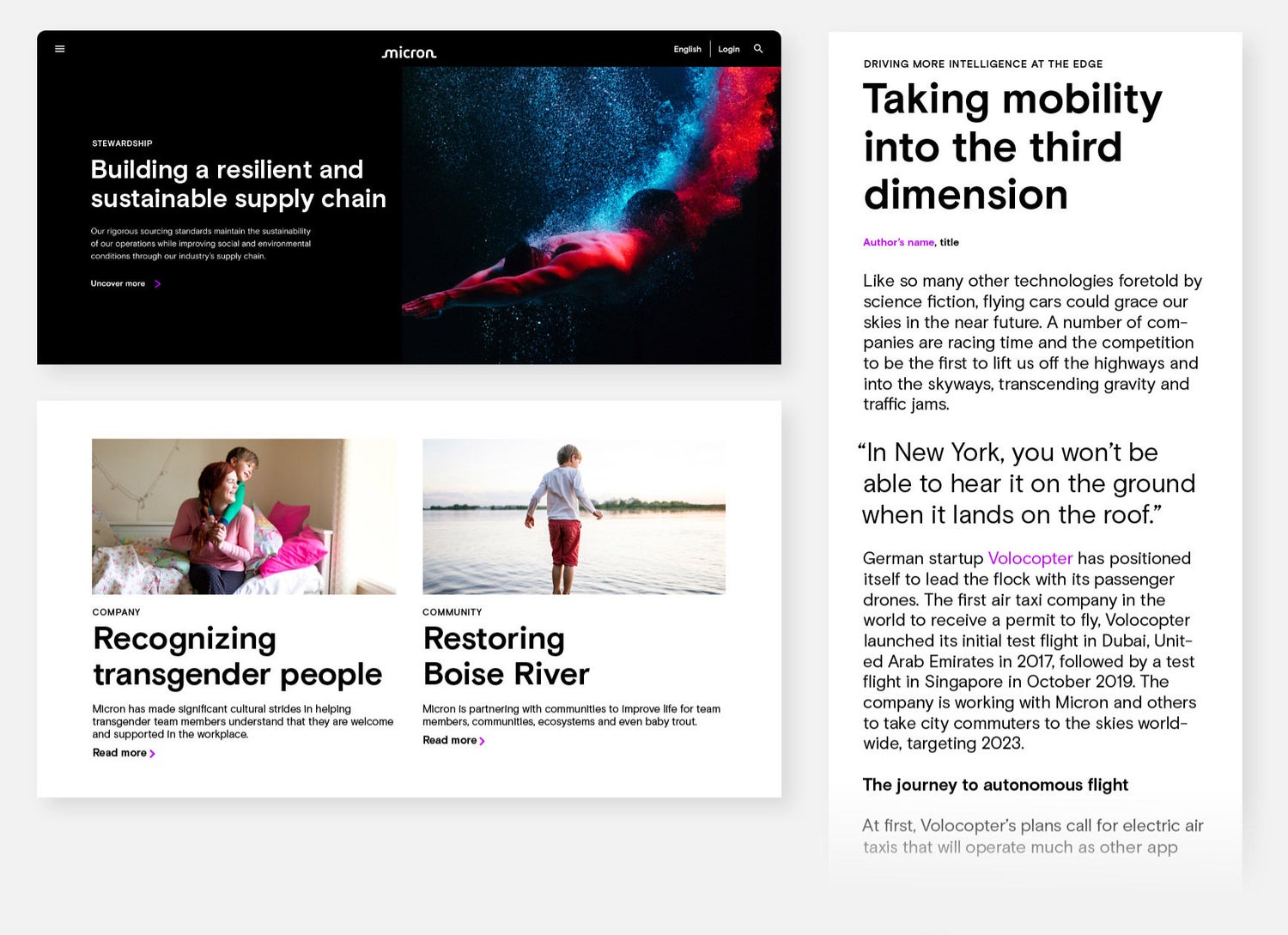
Click to expand
Eyebrow
An eyebrow is a short descriptive word or phrase set above a main headline. It should sum up the content at a glance. When audiences scan the headline, they’ll also take in the eyebrow. Eyebrows help readers understand a given piece of content’s context, and increase the chance of reading on or clicking through to the full article or experience.
Click to expand
Accessibility compliance
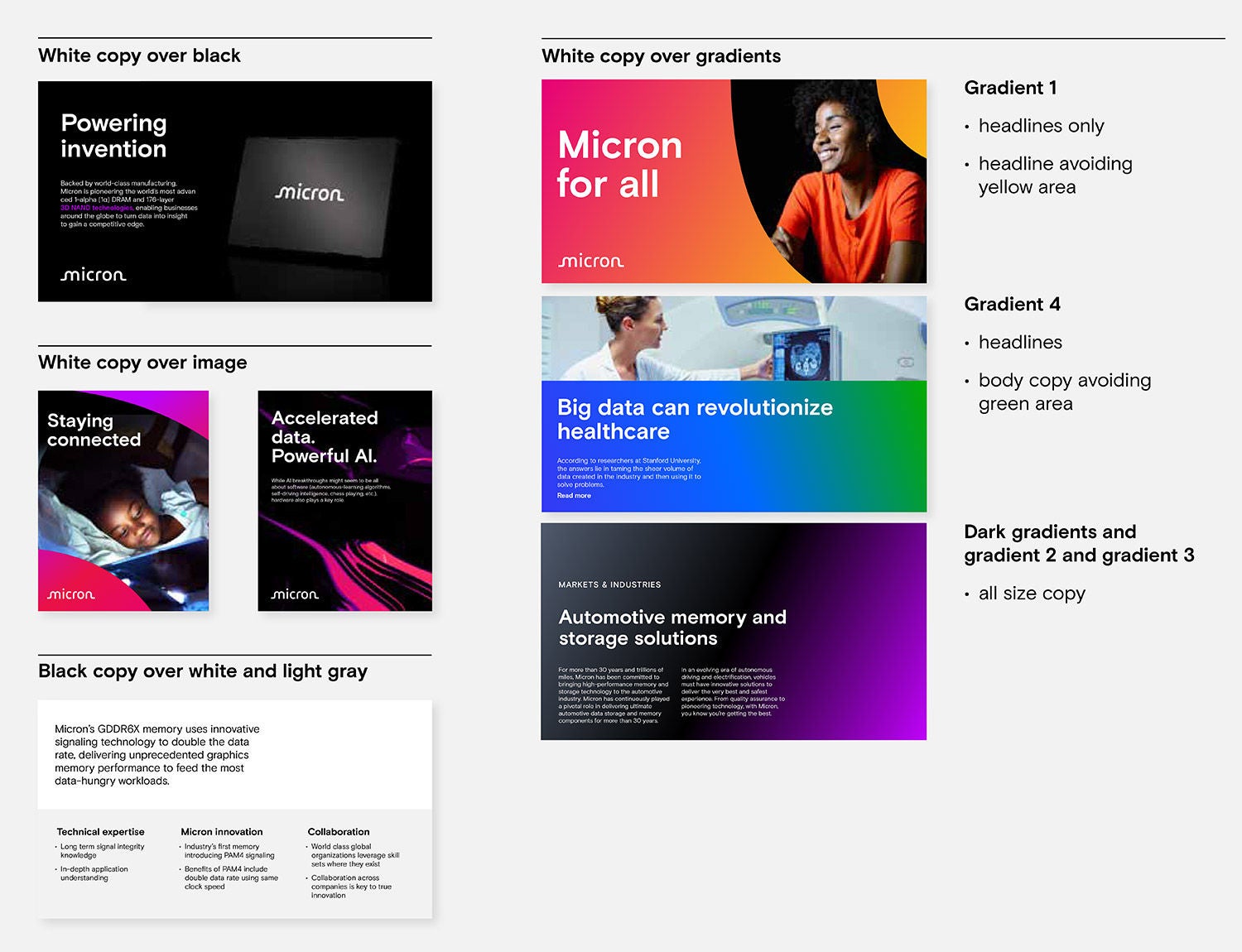
All our background colors have been tested to make sure our web-based design applications meet the WCAG 2.1 AA technical standards. Follow these suggestions to ensure compliance:
Use white text over:
- black
- gradients
- images
Use black type over:
- white
- gray (up to 50%)
Special accessibility compliance note for copy over gradients:
- Bright gradient 1 should only be used for headlines and avoiding the yellow area of the gradient.
- Dark gradients and bright gradients 2 and 3 can be used with any size text.
- Bright gradient 4 can be used with headlines overall, but regular copy should not be placed on the green area.