Programs, partnerships and events
Micron’s brand extends not only into the marketplace, but also into the global communities where we operate. As extensions of our brand, all such entities need to be consistent in how they represent Micron.

Groups and programs
At Micron, we believe our best innovation springs from our global team members’ diverse experiences, perspectives and backgrounds. To nurture this innovation mindset and bring out the best in all team members, Micron hosts a wide variety of Employee Resource Groups (ERGs) and internal- and external-facing programs where our brand is front and center in the community.
Consistent use of internal and external program marks ensures Micron maintains its brand equity and identity across all related communications and activities.
All program marks must be pre-approved by Brand and designed by the Creative Studio. Submit requests to gcmrequest/ for program mark enquiries.
Click to expand
Internal program marks
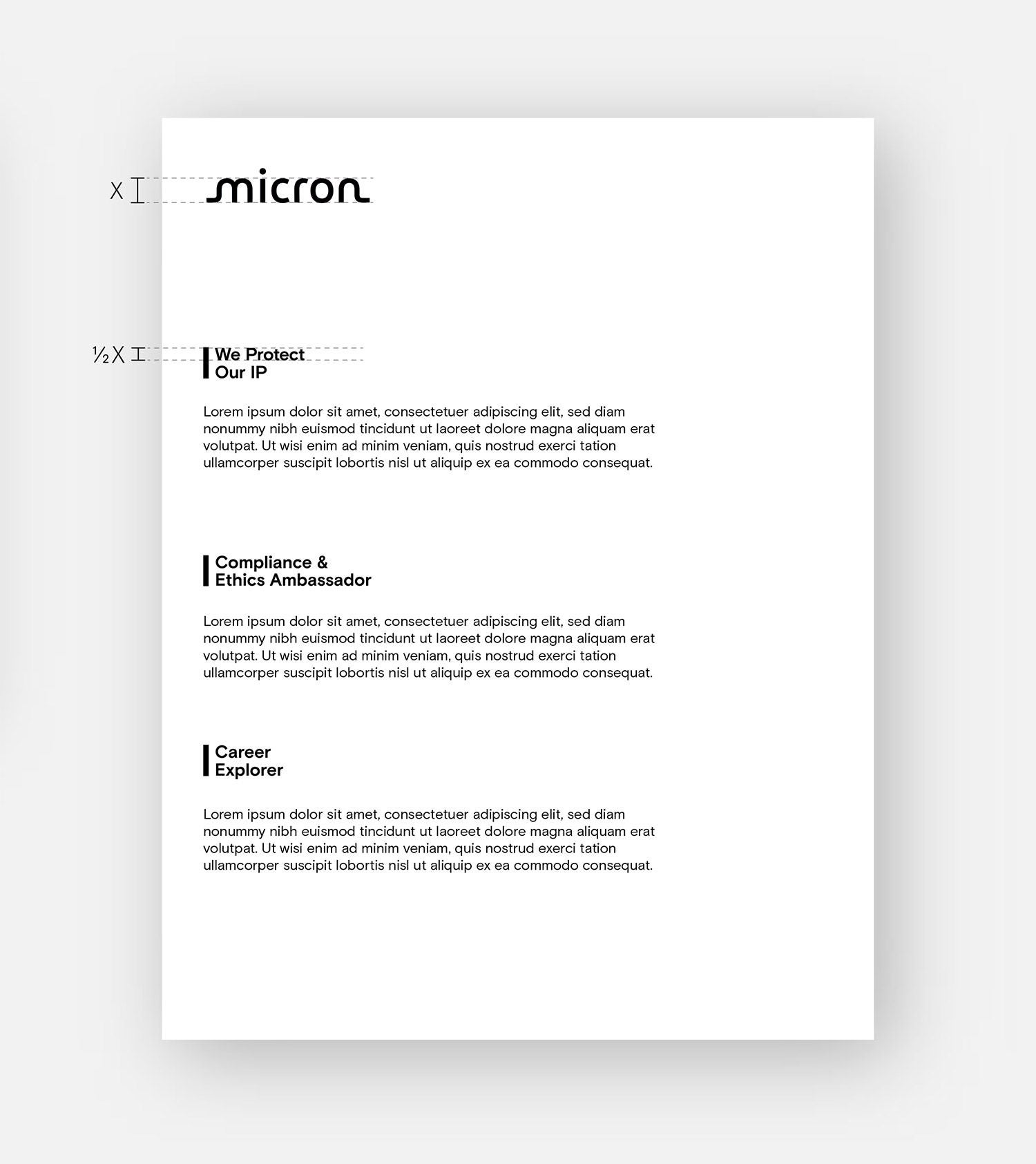
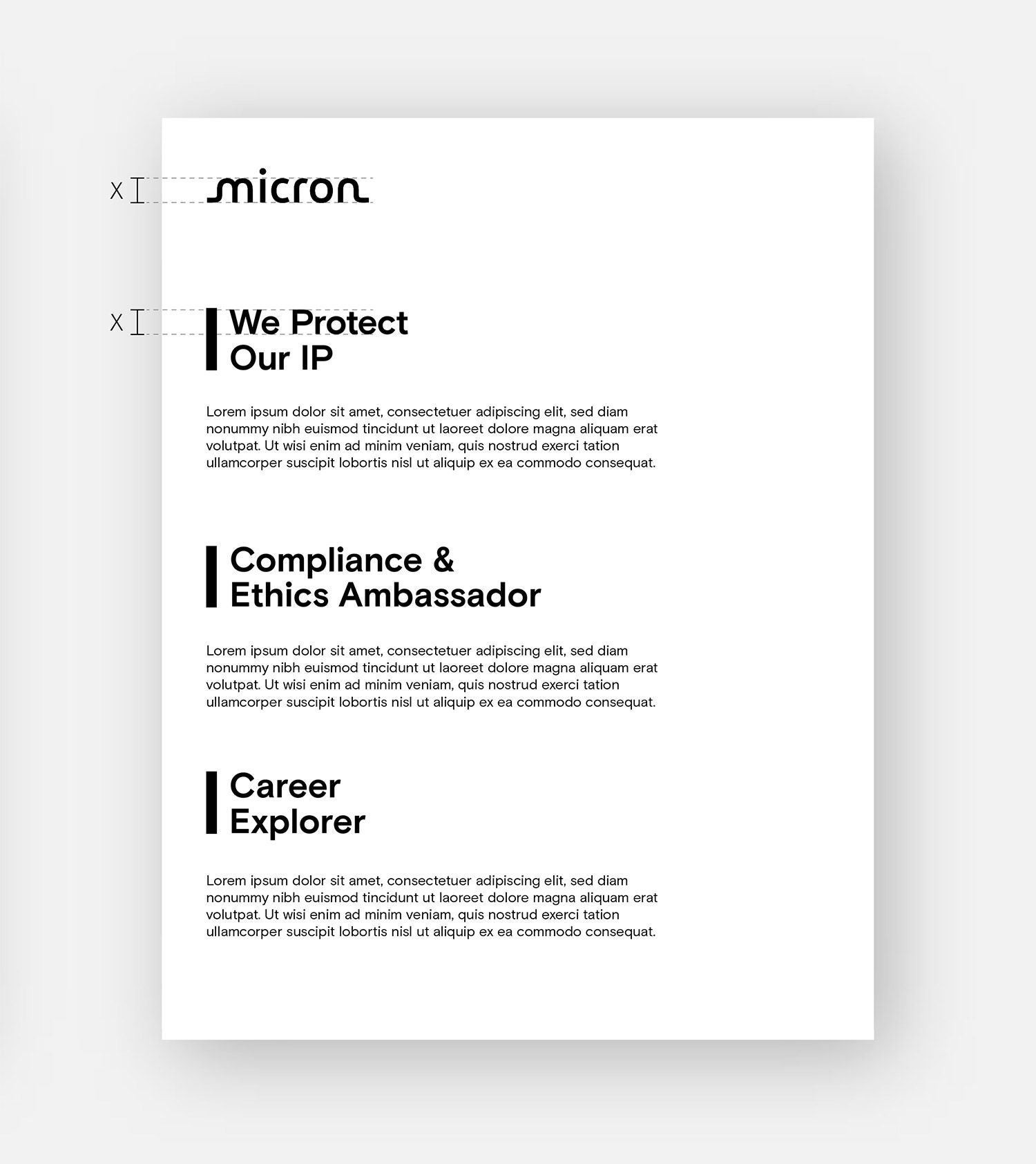
Internal program marks are used for internal tools and services that support all team members. Departments and teams are not eligible for program marks and can’t use the vertical bar treatment.
No Micron logo required
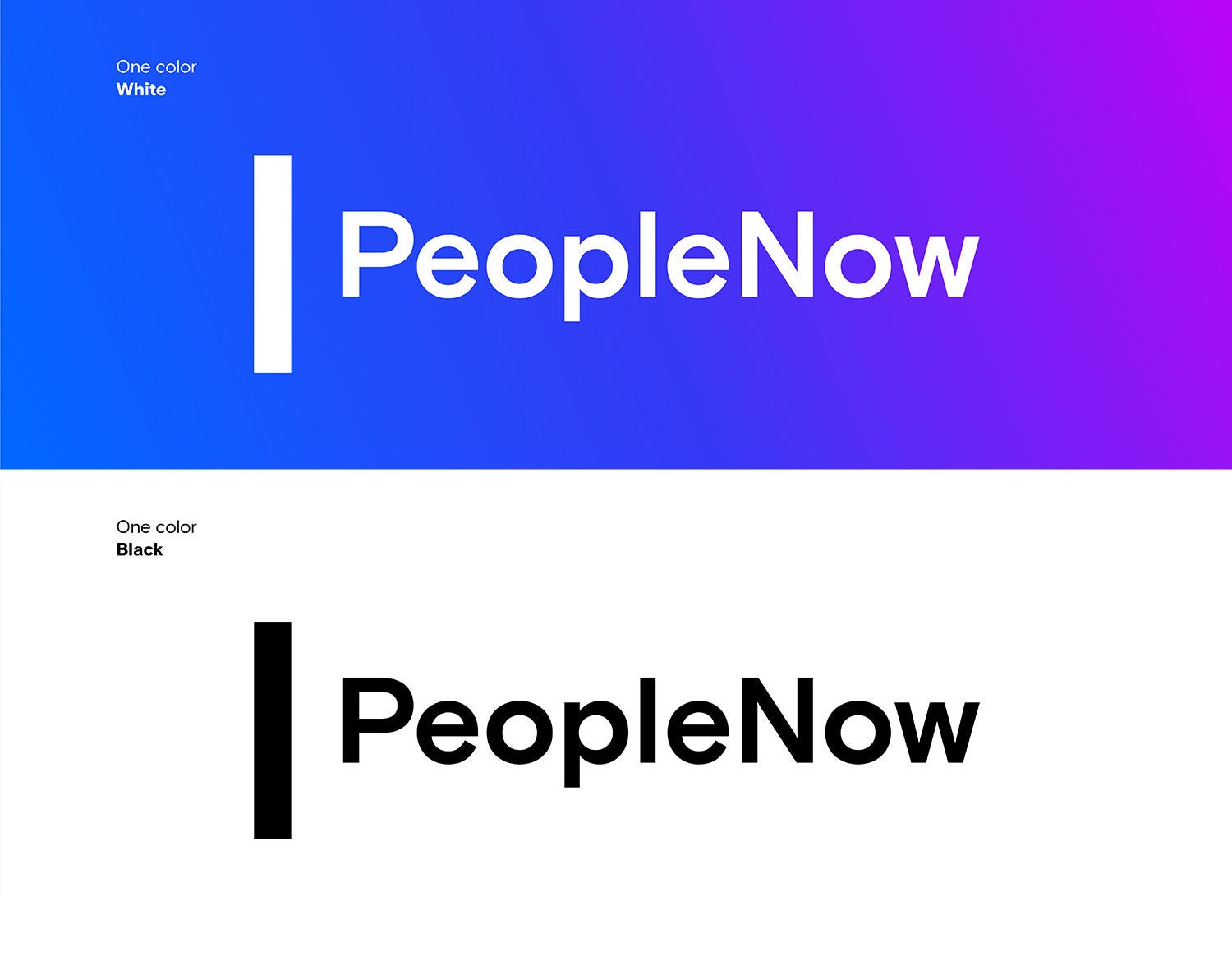
Internal program marks are unlocked from the Micron logo as a standard treatment. They do not need to be paired with a Micron logo on an asset.
Do not combine the Micron logo, M symbol, brand-approved icons or any other graphics with the internal program marks. Do not create new mark lockups.
The vertical bar, a nod to our linear, geometric wordmark, visually connects our group and program marks to our logo.
Click to expand
Internal program marks usage examples
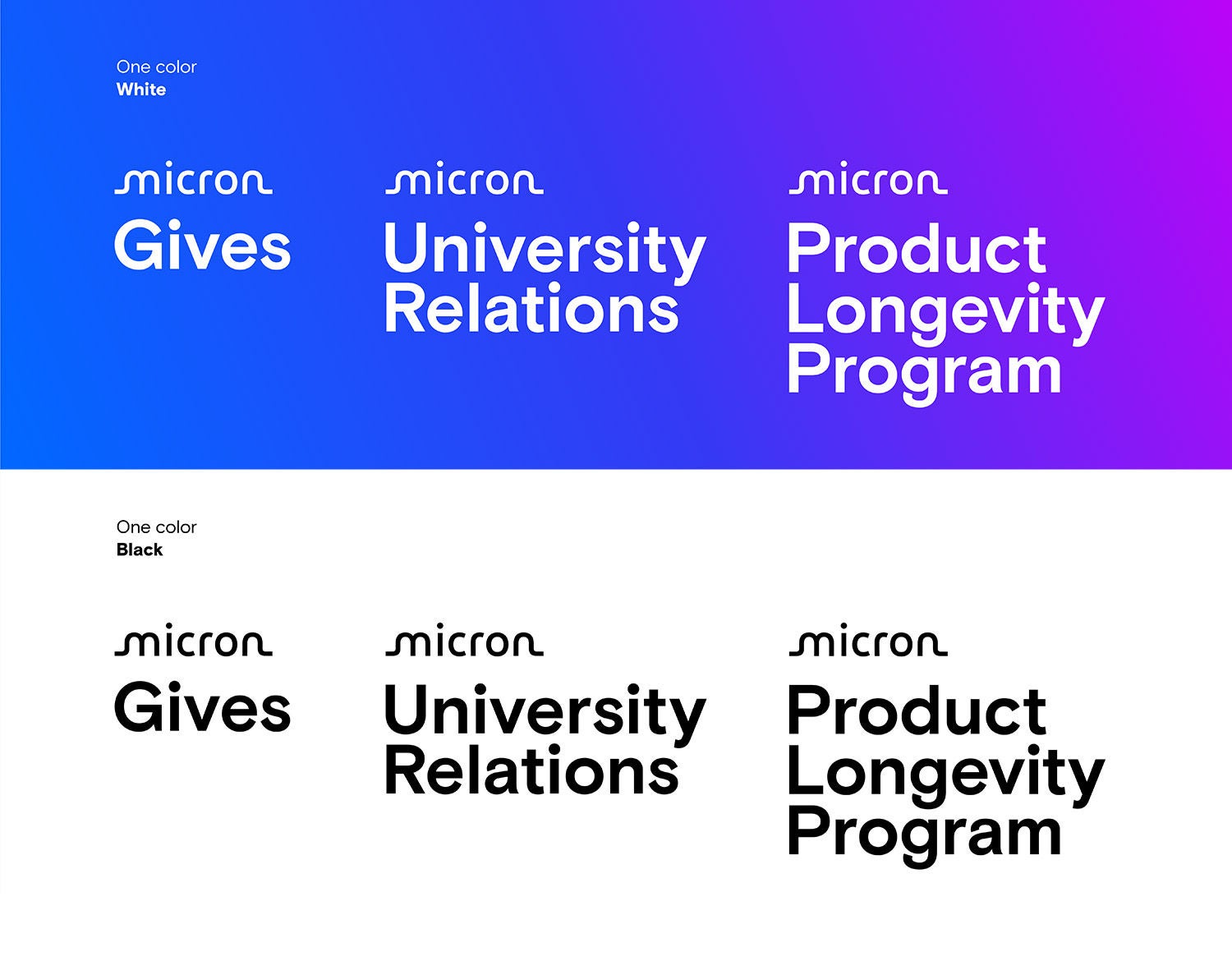
Click to expand
External program marks
External programs are public facing and enterprise wide. These marks can be used on any items that showcase our external programs.
Lockup treatments
External program marks are locked up with the Micron logo as a standard treatment. However, they may also be unlocked from the Micron logo, provided that the Micron logo is somewhere else on the asset.
Note: In instances where the communication is presented on a Micron platform (a social media post or onsite digital signage, for example), the Micron logo does not need to sign off the piece.
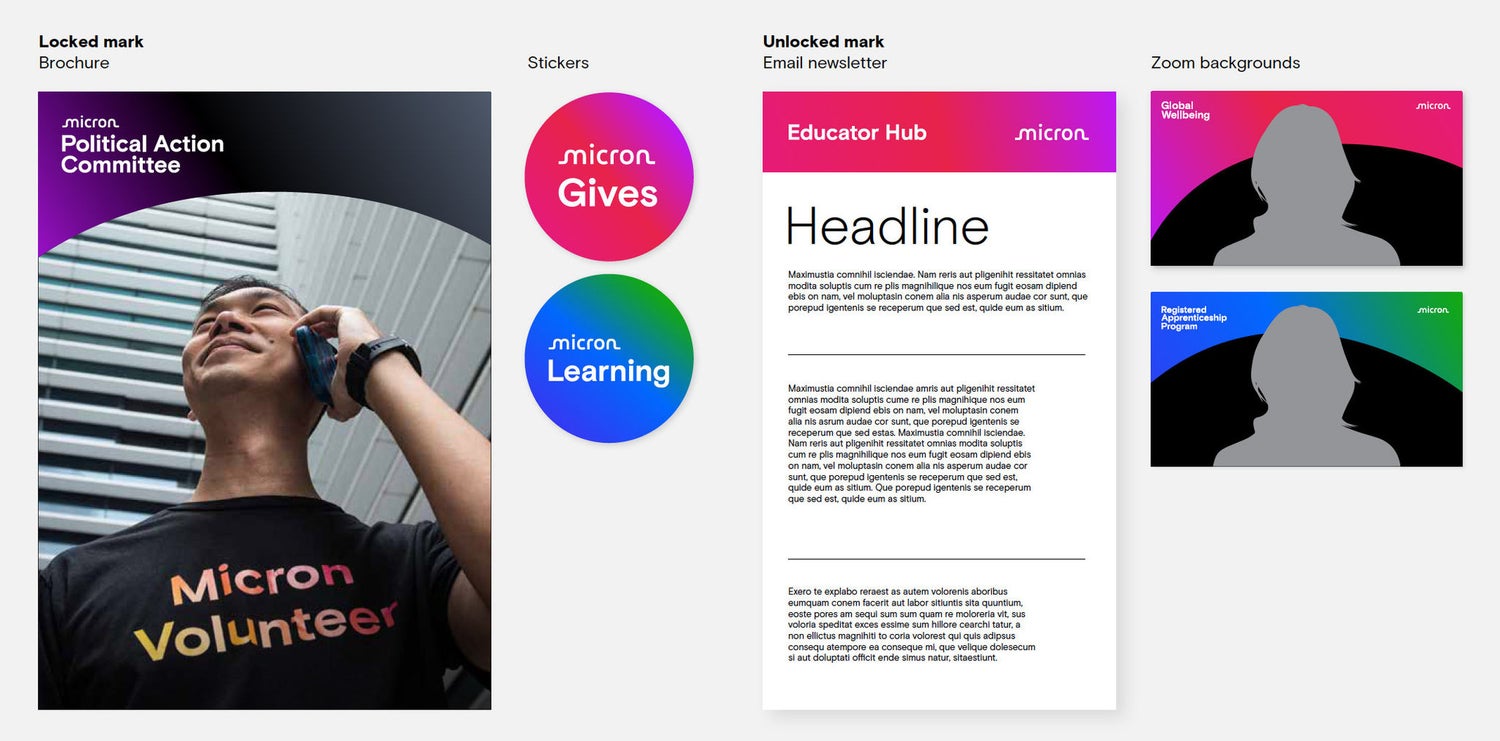
Click to expand
External program marks usage examples
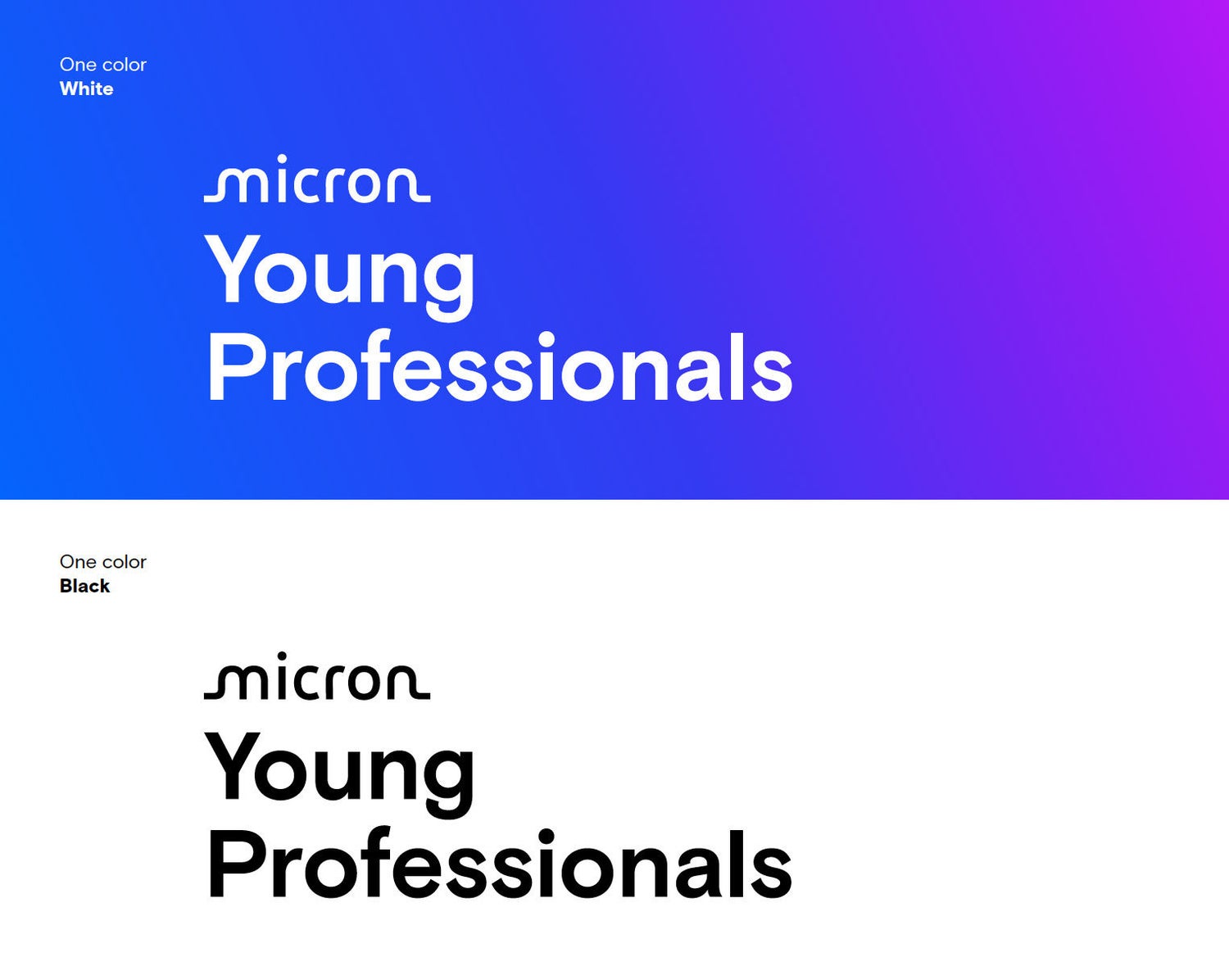
Click to expand
Employee resource group (ERG)
External programs are public facing and enterprise wide. These marks can be used on any items that showcase our external programs.
Lockup treatments
External program marks are locked up with the Micron logo as a standard treatment.
However, they may also be unlocked from the Micron logo, provided that the Micron logo is somewhere else on the asset.
Note: In instances where the communication is presented on a Micron platform (a social media post or onsite digital signage, for example), the Micron logo does not need to sign off the piece.
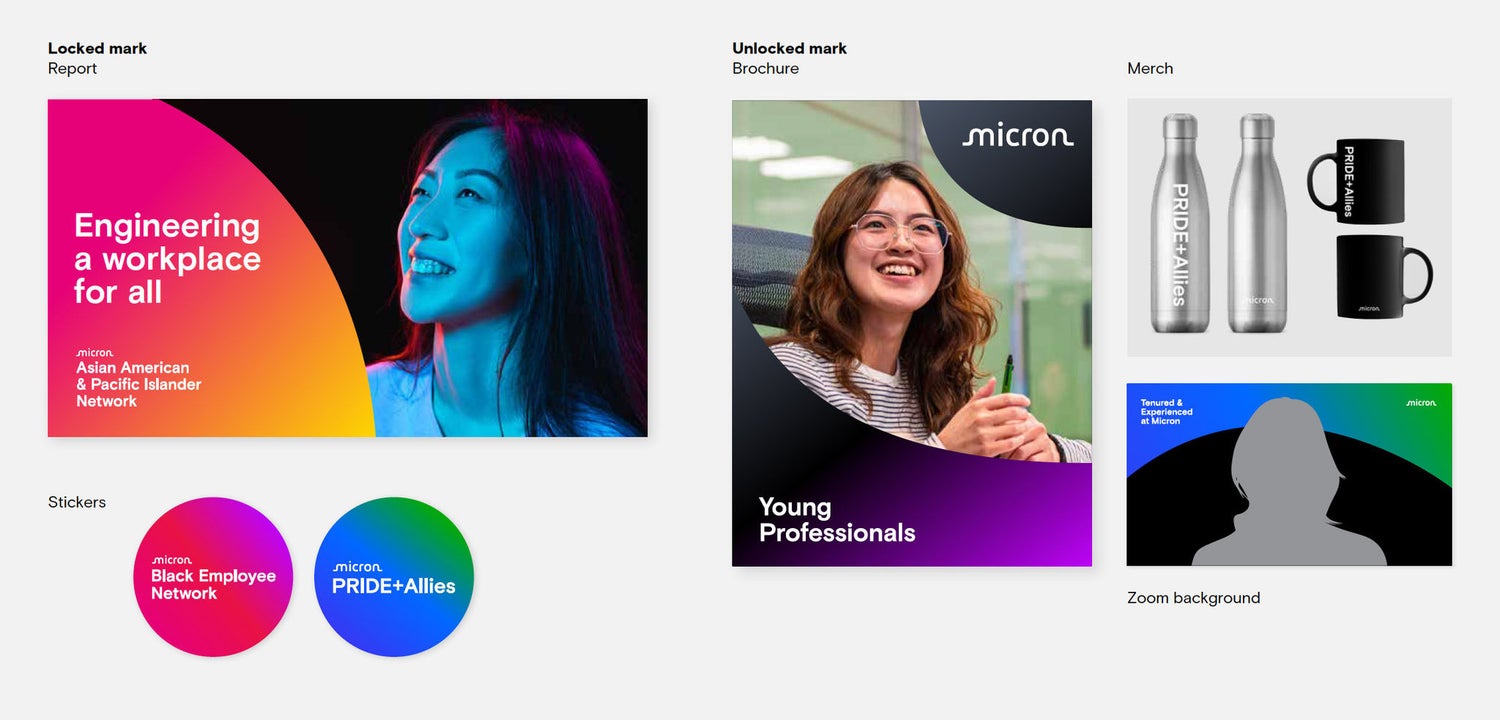
Click to expand
Employee resource group (ERG) usage examples
Things to avoid
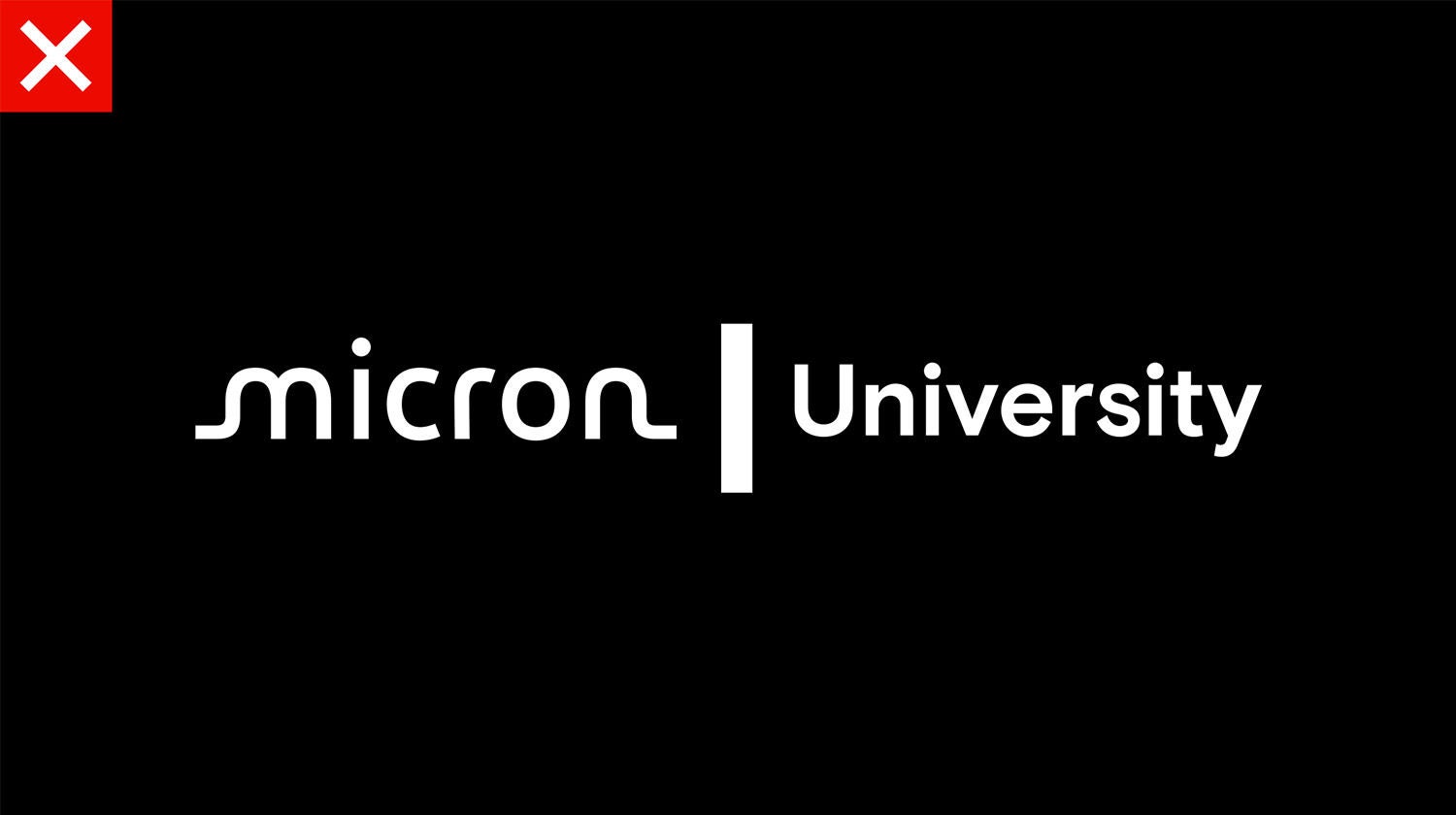
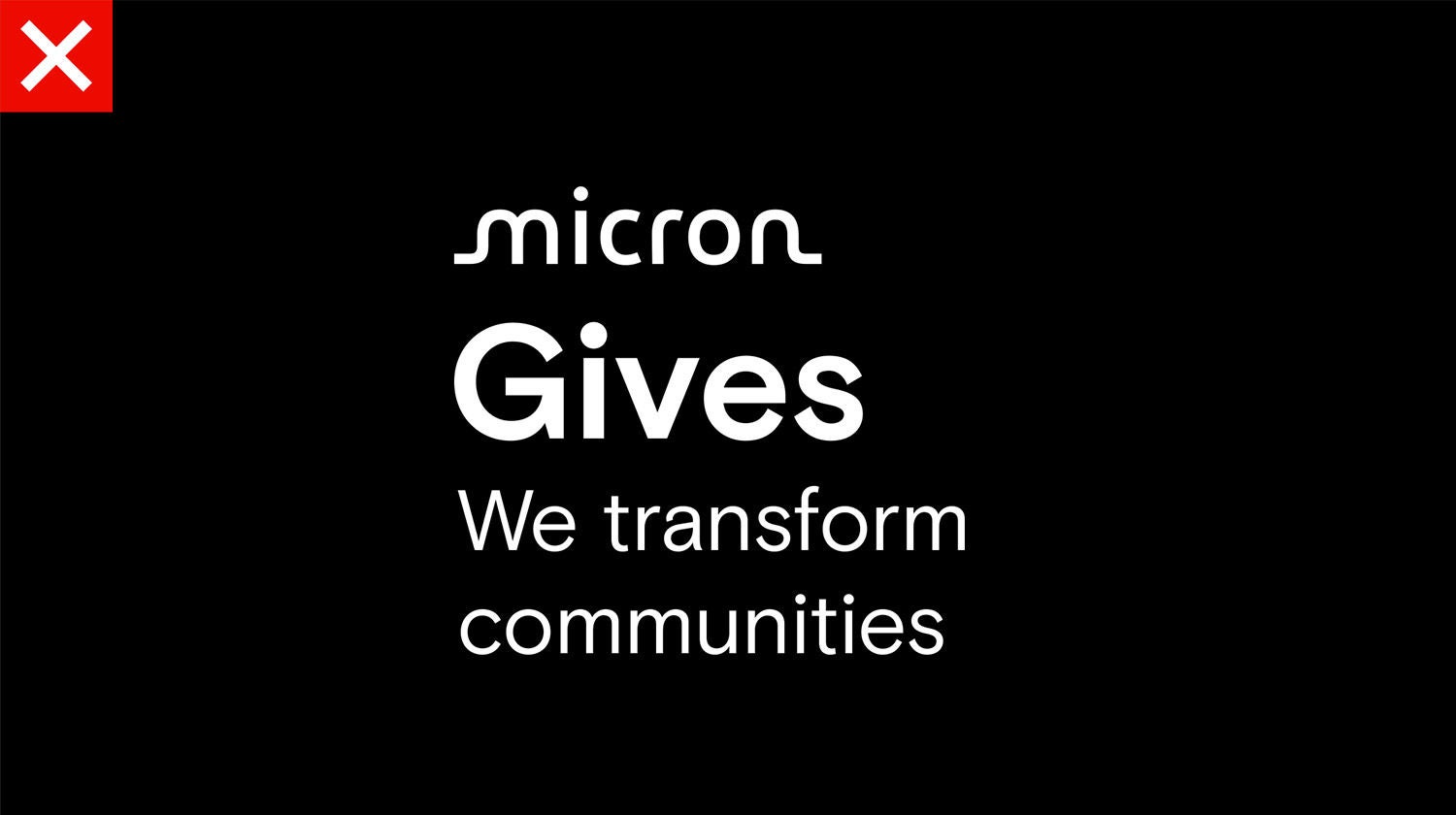
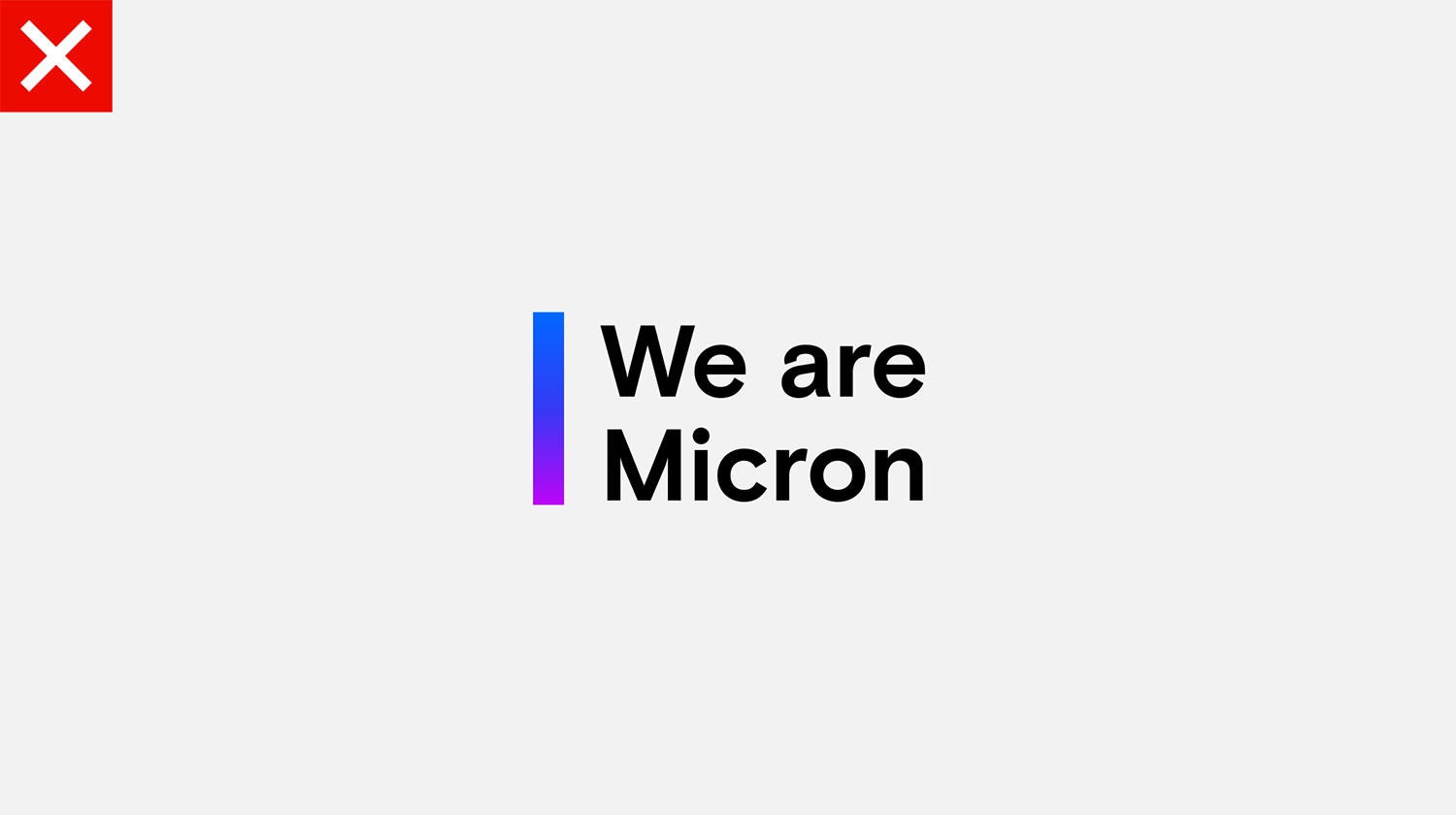

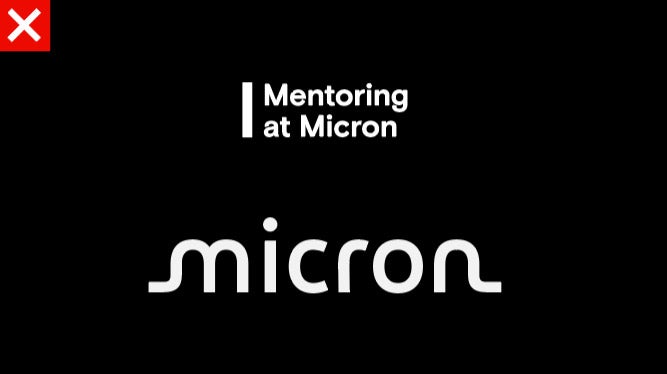
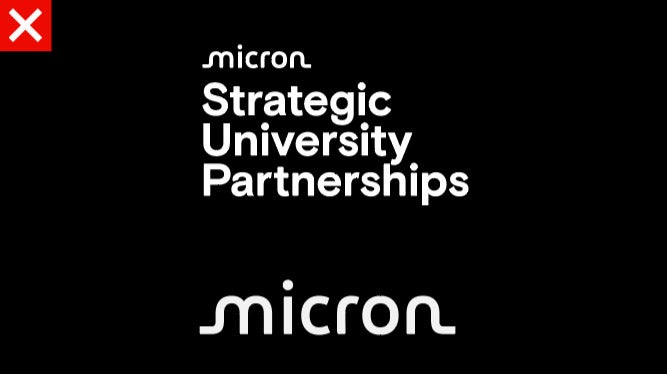
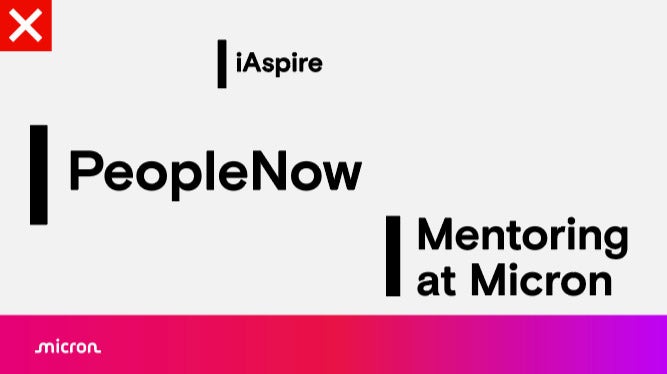
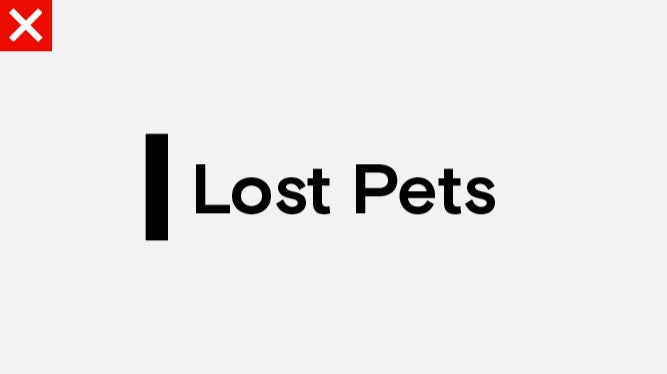
Internal program marks layout hierarchy
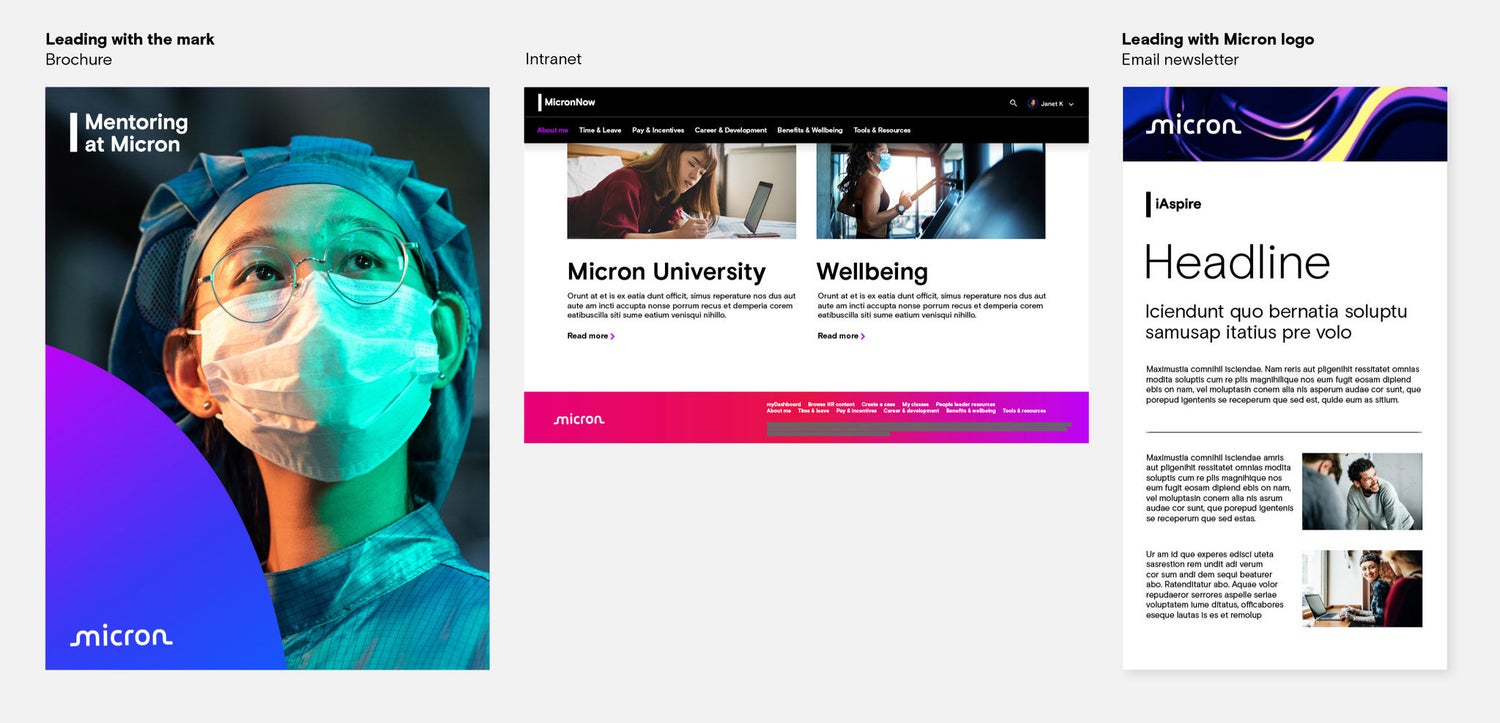
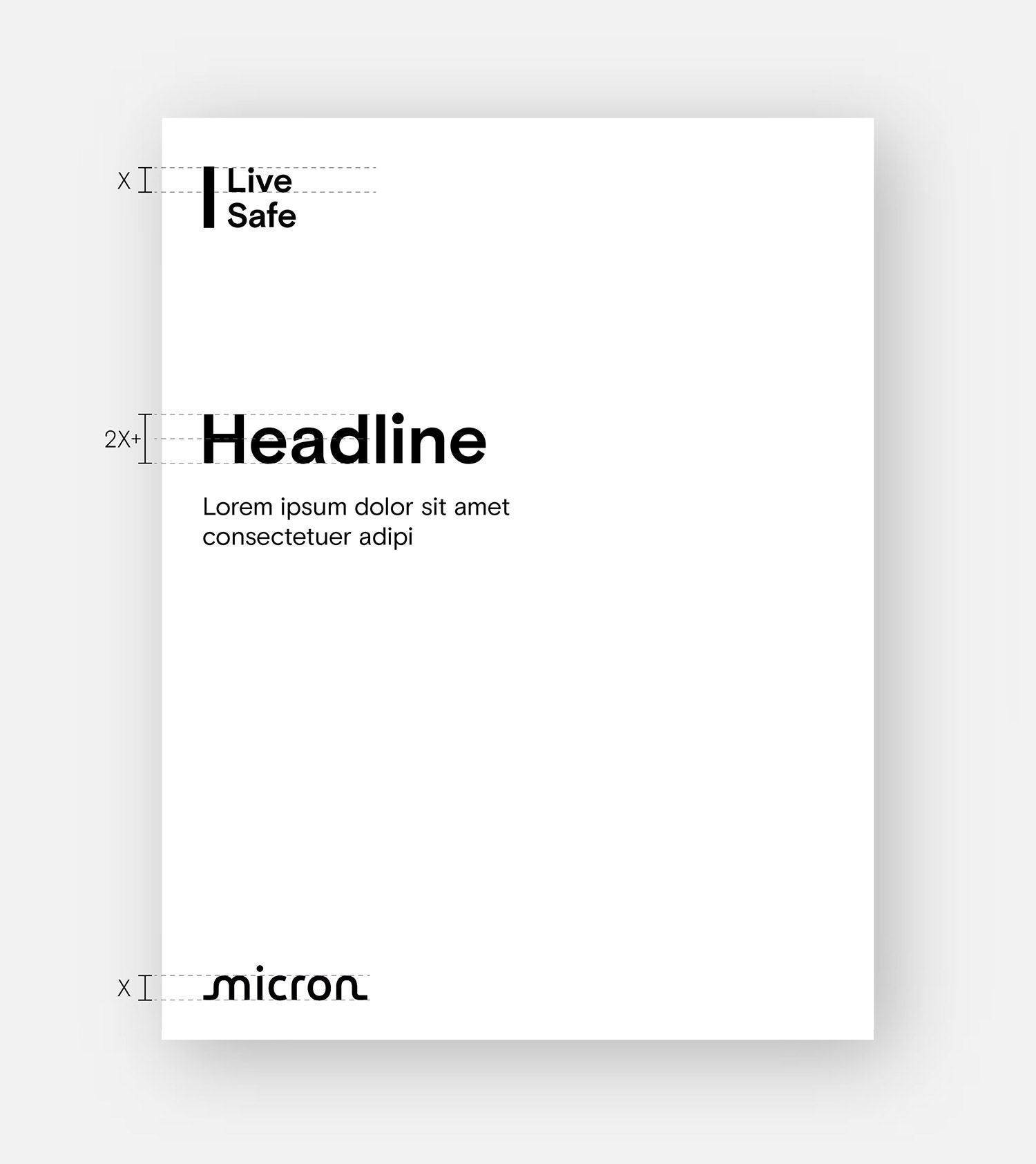
The group and program marks should always be paired with the Micron logo. Each communication piece can lead with either the group/program mark or with the Micron logo. In either instance, the left edge of the group/program mark should align with the edge of the “M” in the Micron logo.
Leading with the group/program
The group/program mark should be placed at the top left corner of the layout, to lead the piece. The Micron logo should be placed at the bottom of the layout, signing off the piece, either in the left or right corner.
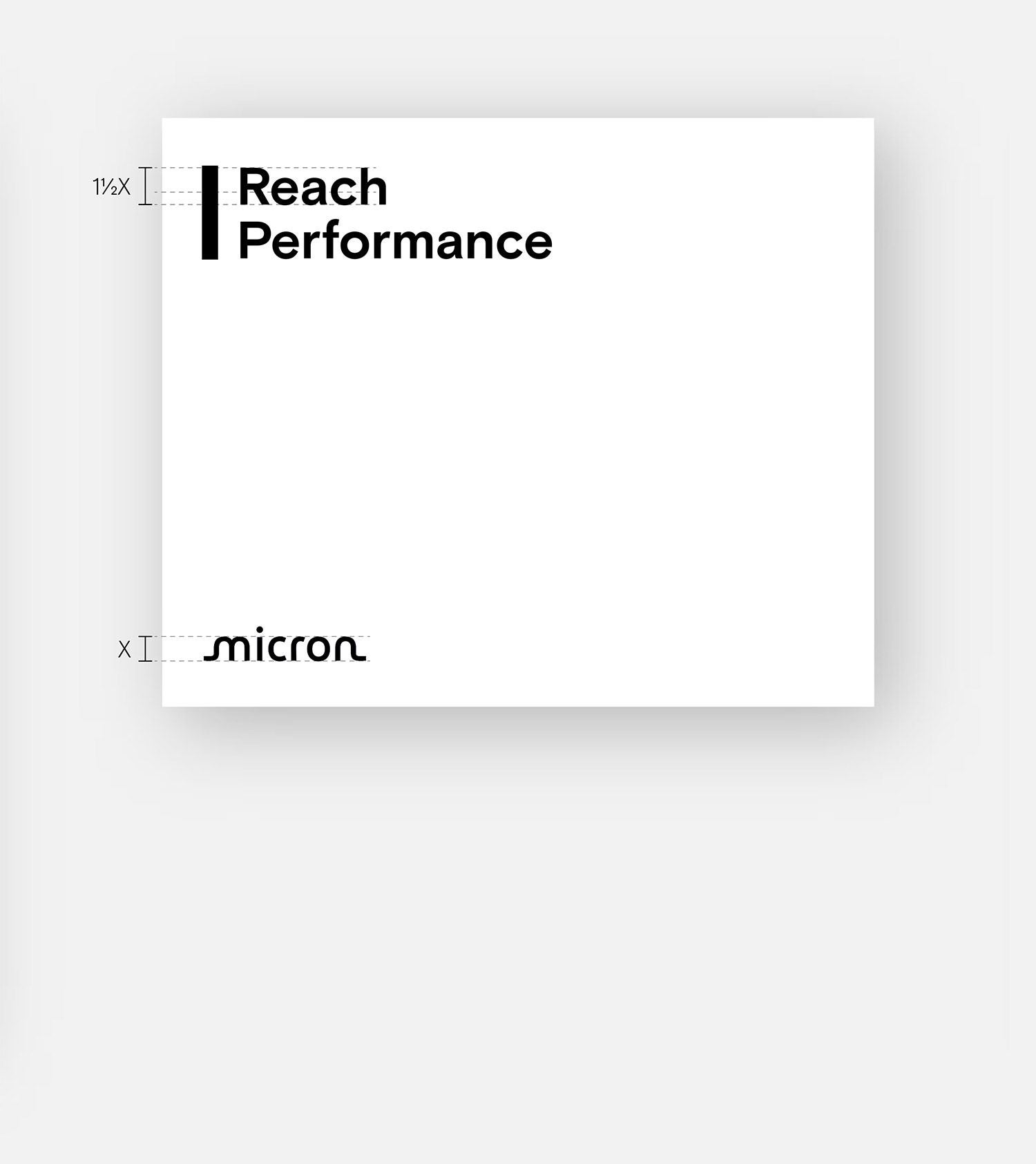
Leading with Micron
The Micron logo should be placed at the top of the layout, in either the left or right corner, leading the piece — followed by the group/program mark(s).