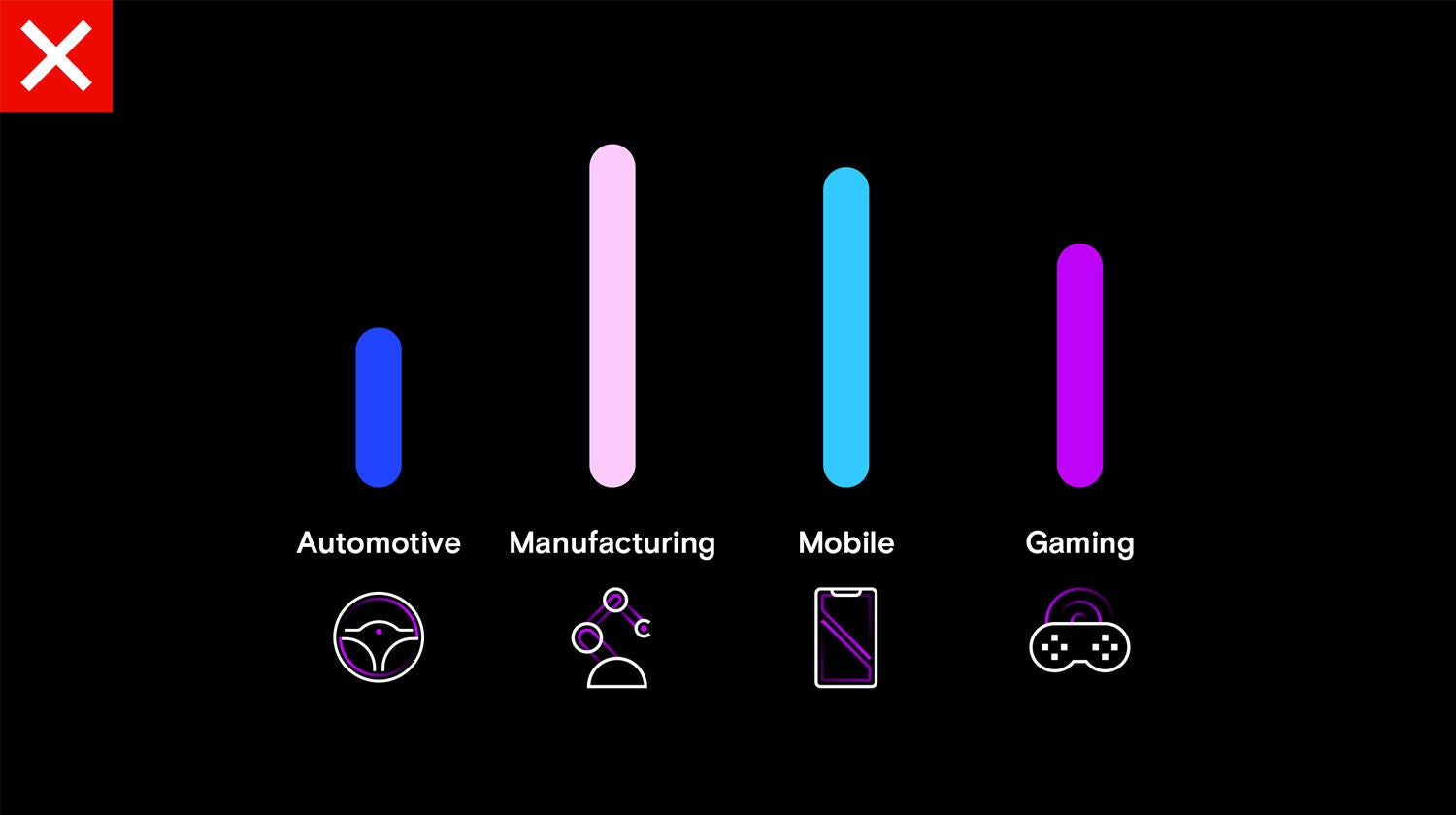
Iconography
Our iconography style is inspired by our corporate typeface. Our icons feature geometric shapes, dynamic curves and sharp edges.
Visit the Icons page to view and download all assets
Click to expand
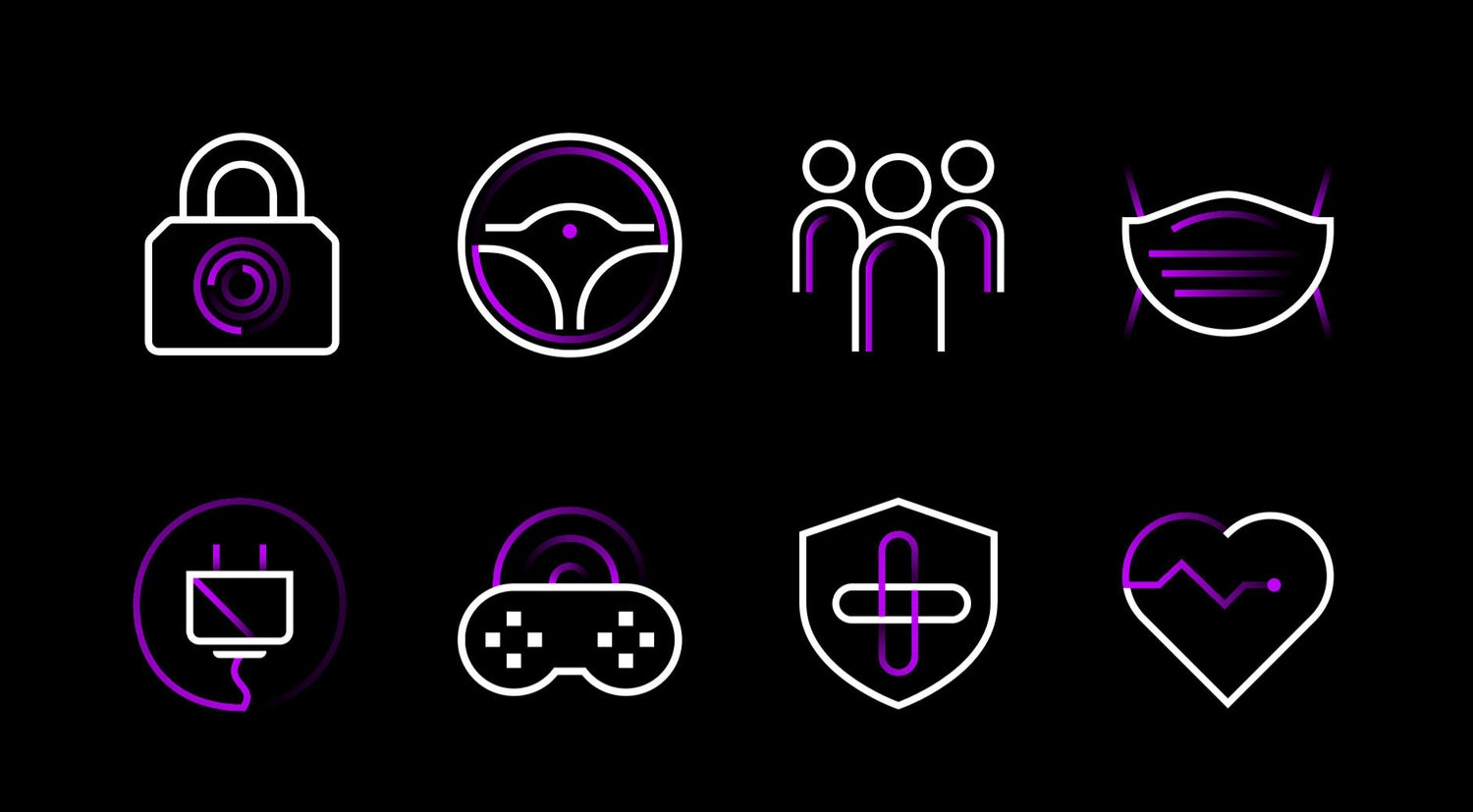
Icons
Do not create your own icons – all icons must be created by GCM Brand for internal approval. Visit alias Studio/ for any icon inquiries.
Click to expand
Iconography style
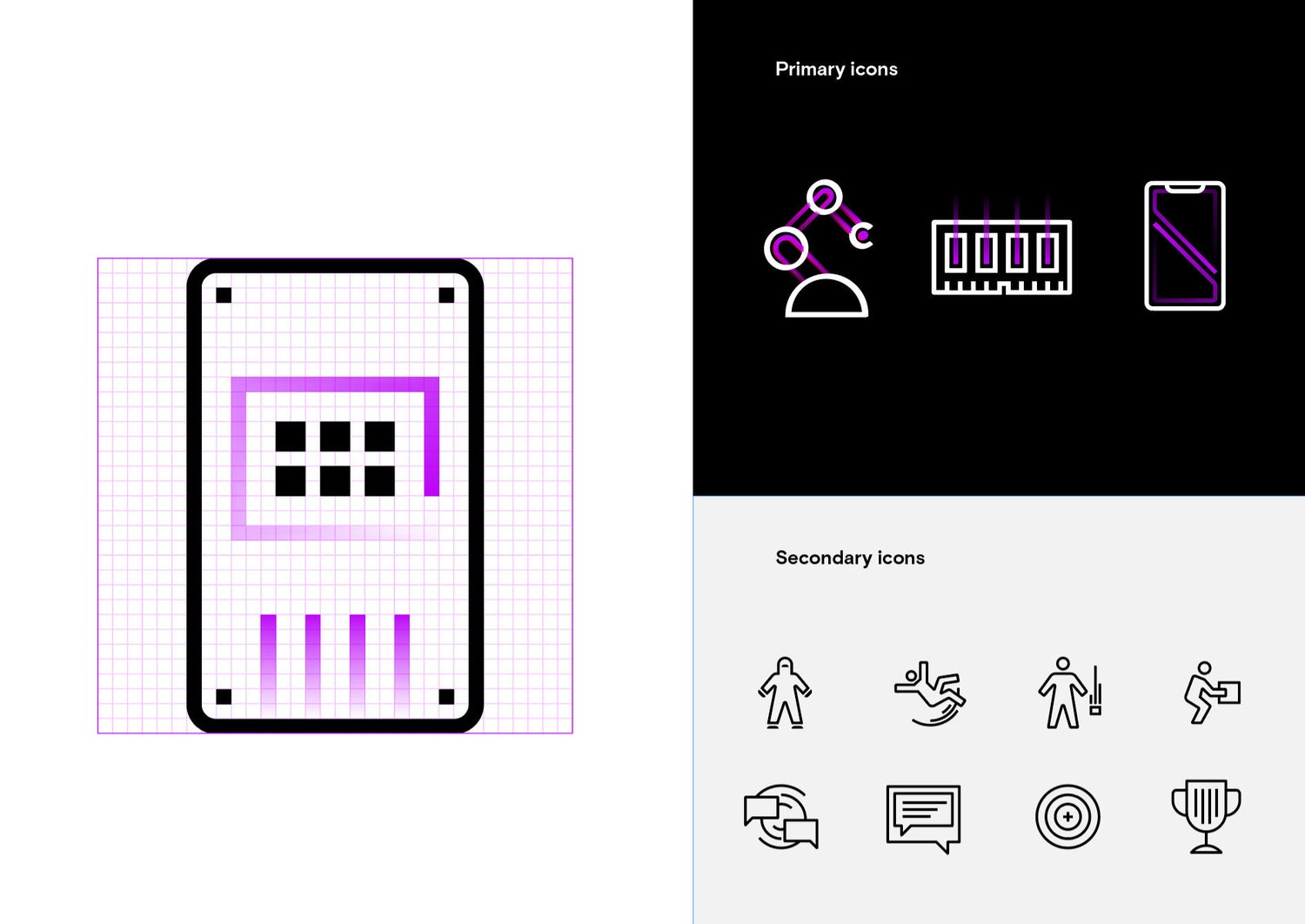
Our icons are built on a 32x32 pixel grid, following our overarching grid system. The icons are designed and built with consistency and legibility in mind.
Micron has two sets of icons — primary and secondary.
Primary icons
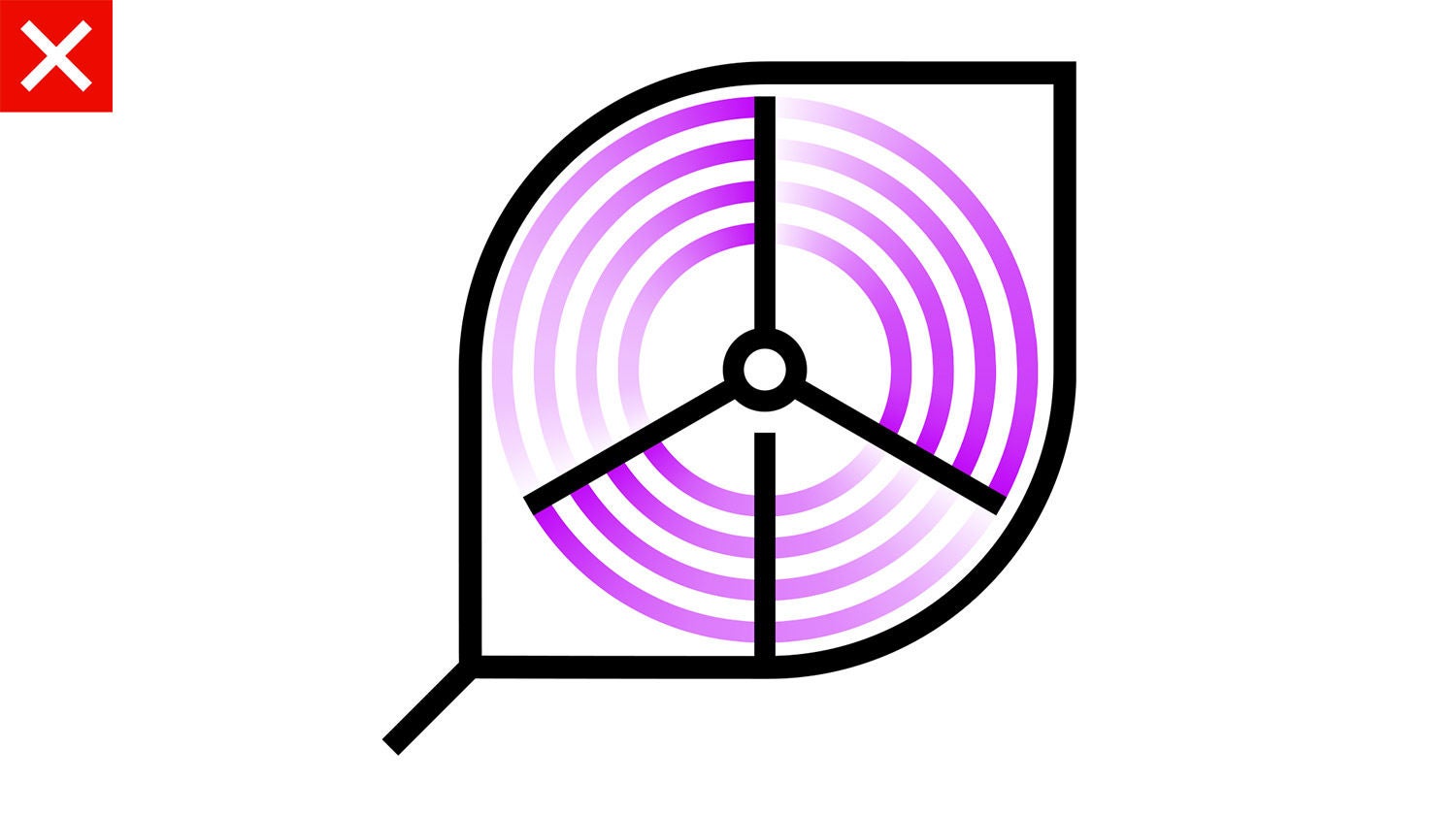
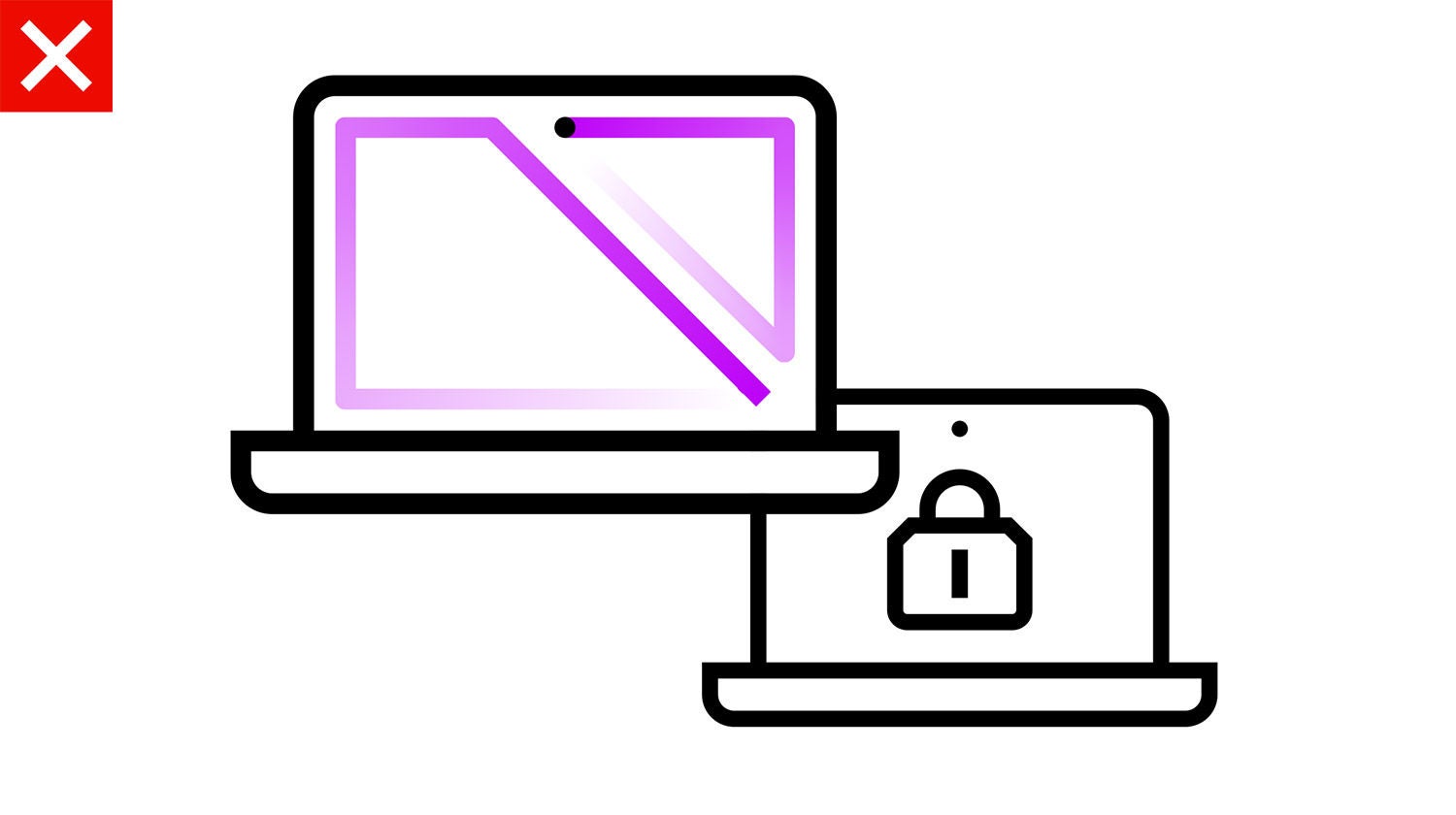
Our primary icons are expressive and appear to be in motion. They feature an accent color line that, when activated, leaves behind a blurred effect and creates a sense of transformation.
Secondary icons
Our secondary icons are solid and monochromatic. Designed to help visualize secondary information, they are highly functional and adaptable.
Click to expand
Primary icons
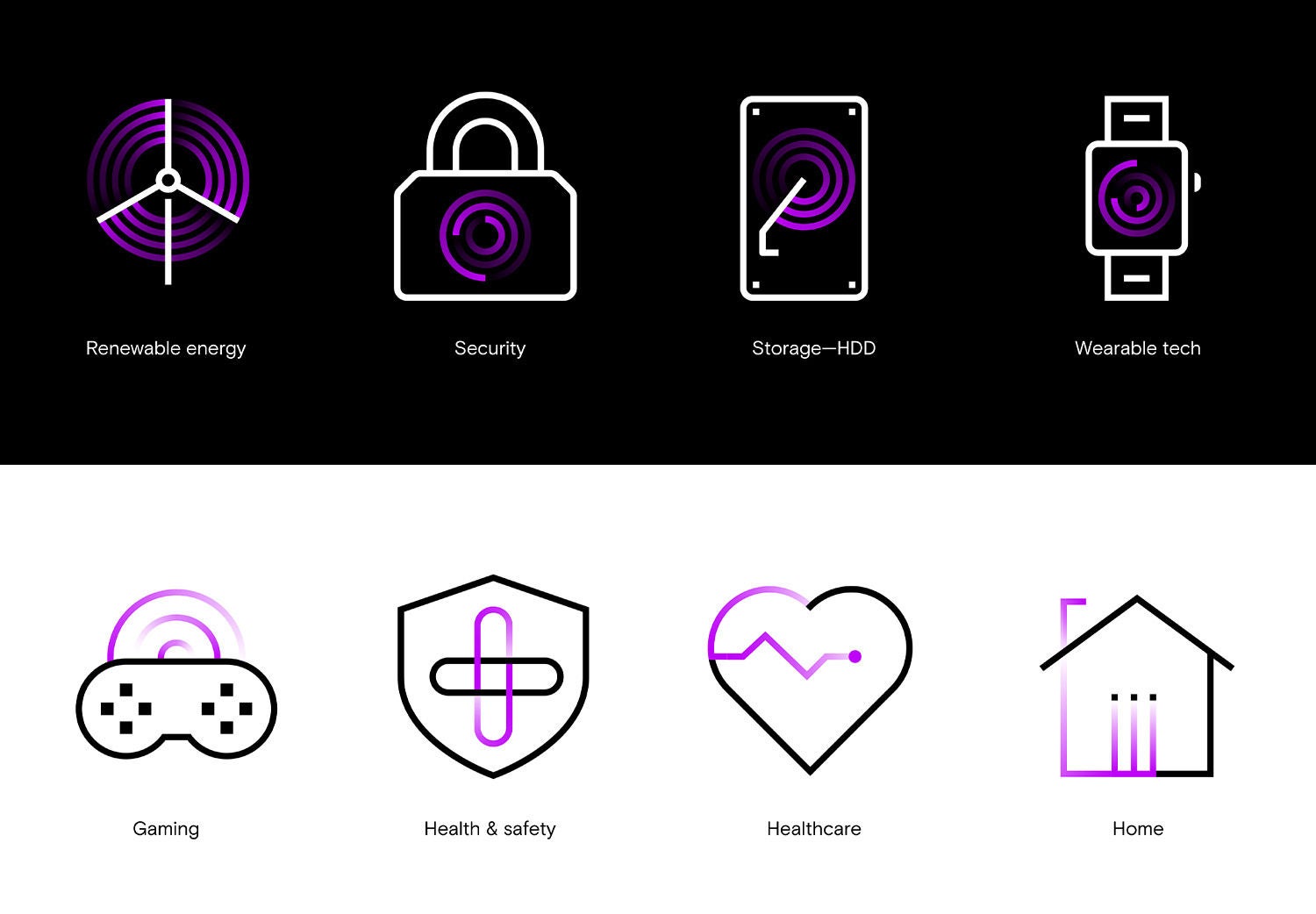
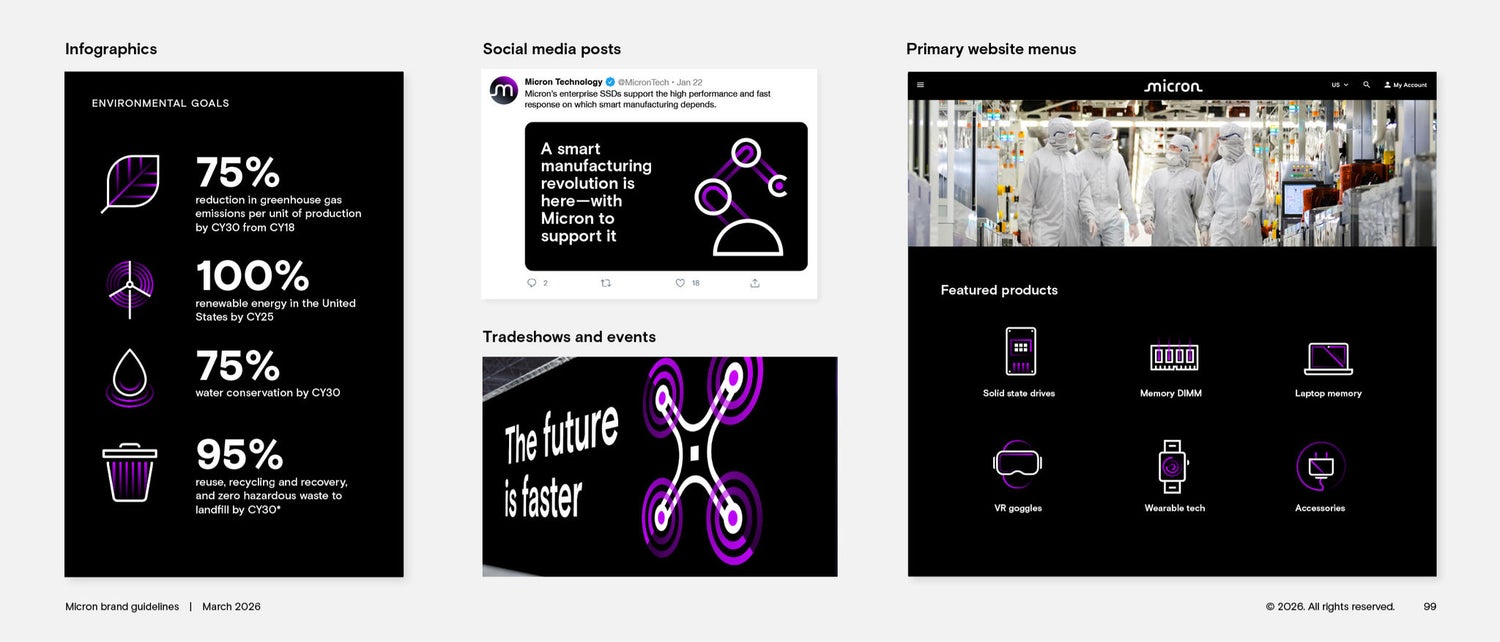
Our primary icons have a sense of motion and vibrancy and convey Micron’s constant innovation. The icons come to life when animated, so use our kinetic icons whenever possible.
Use these icons to visually represent an idea or object, to differentiate information and to guide and direct audiences.
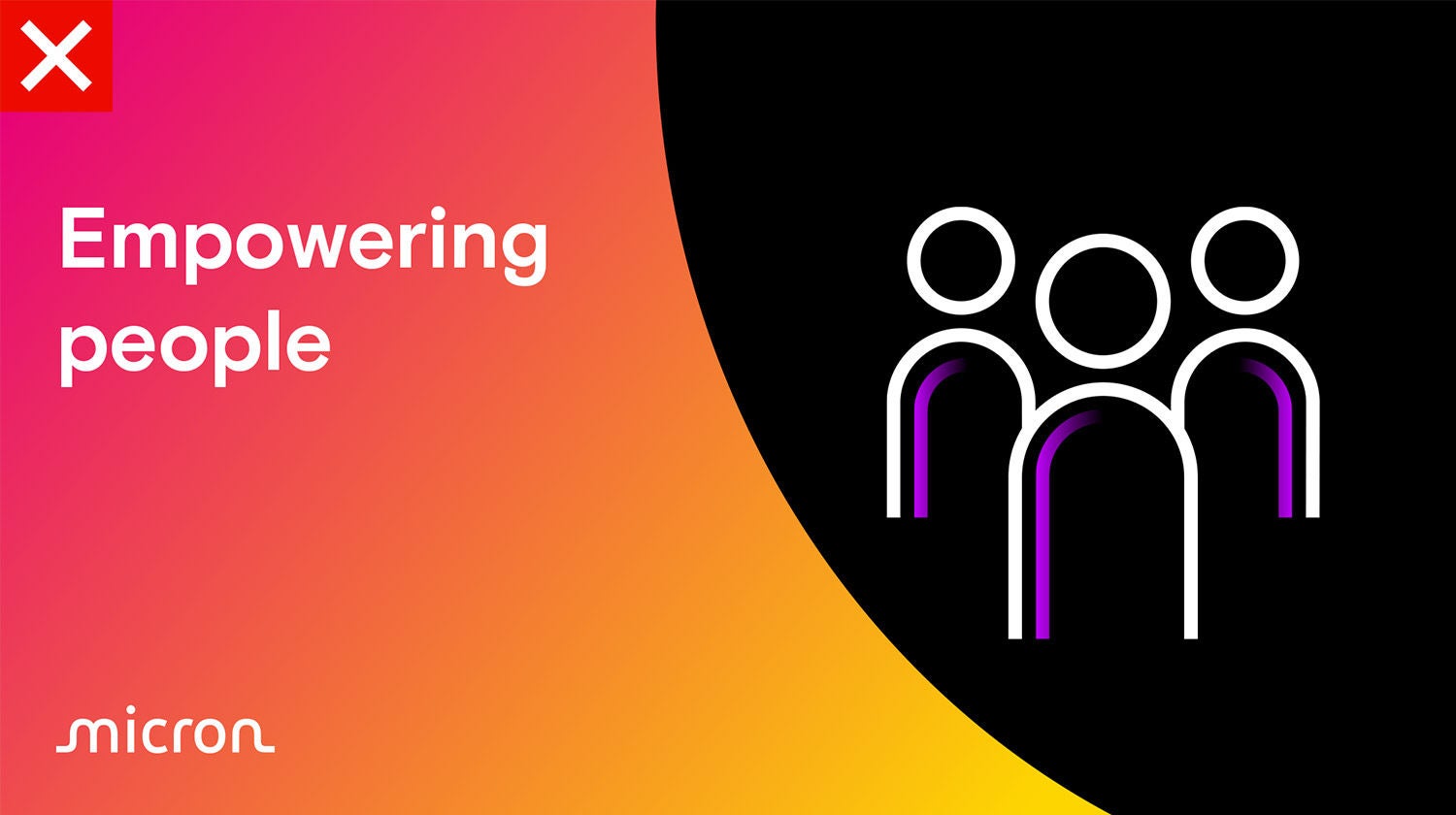
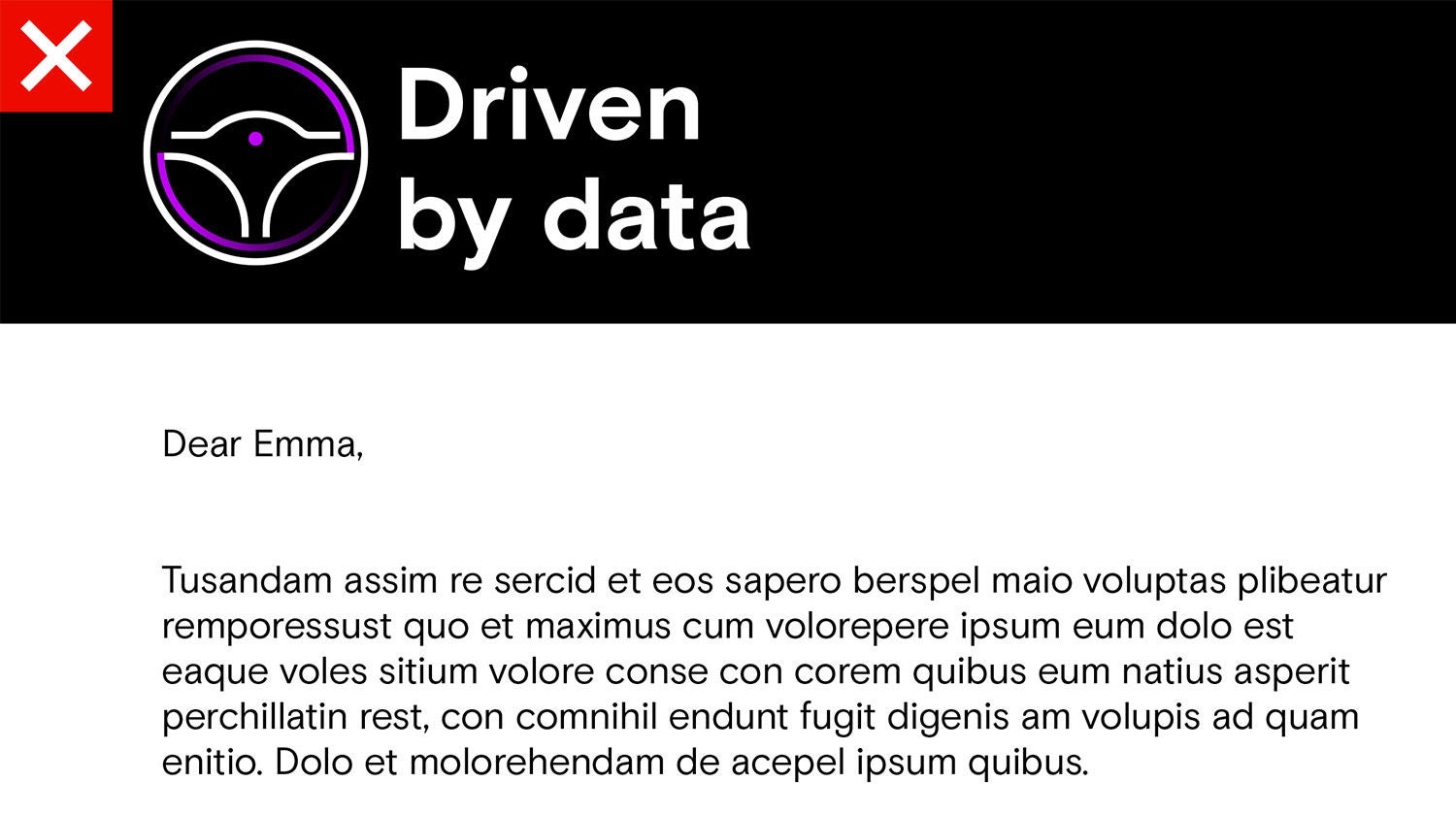
Our primary icons should appear on black or white backgrounds only.
Click to expand
Usage
Designed to catch the attention of the viewer, this set of icons is ideal for high-level branded use cases like infographics, social media posts, primary website menus and marketing and video content.
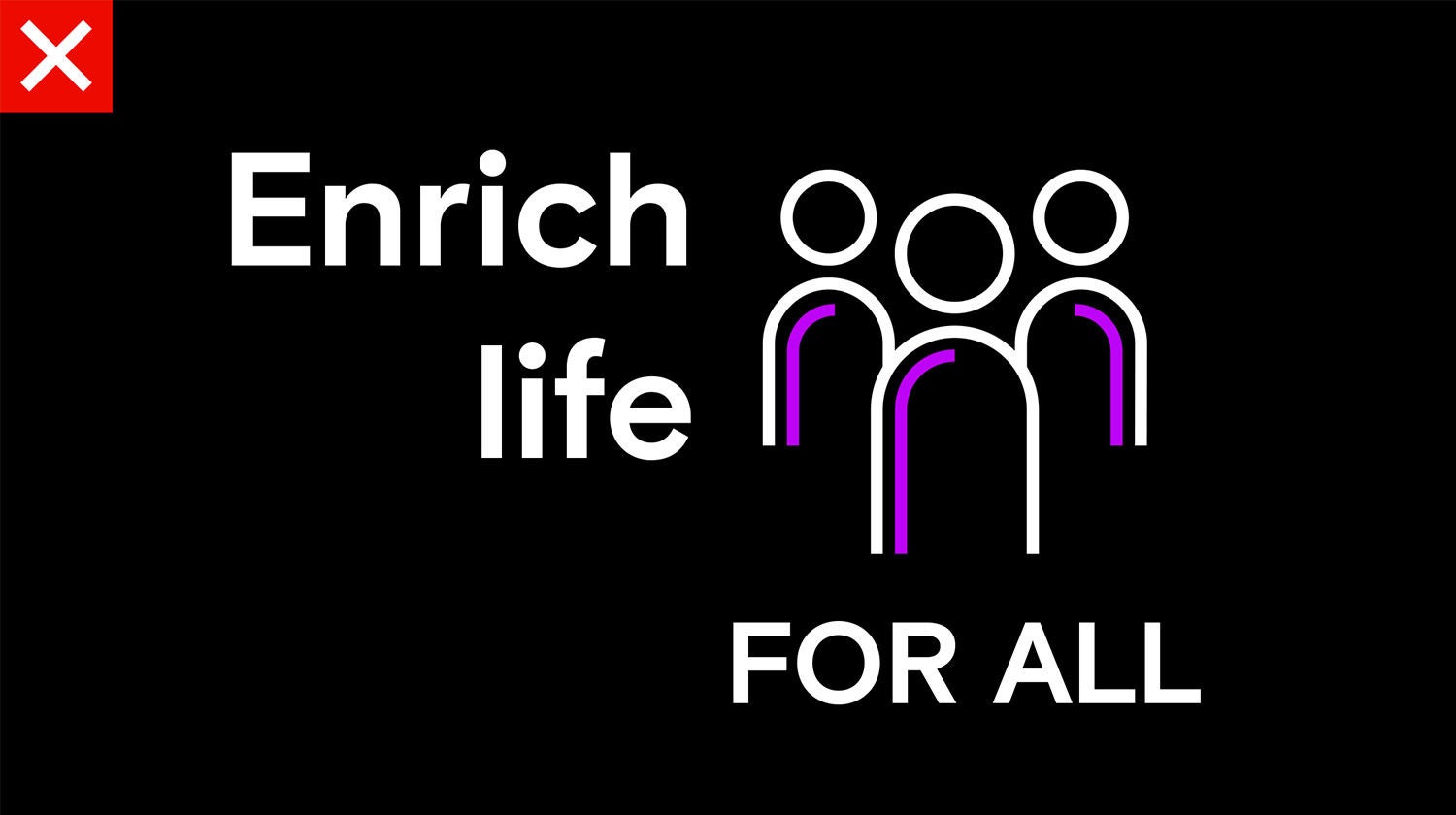
Multiple icons can be used in a single layout to accompany and support your copy. However, do not clutter your message with too many icons. When using multiple icons together, always keep the icon size consistent.
Click to expand
Secondary icons
Our secondary icons are designed to be straightforward and functional. They are built using the same design principles as our primary icons, using the same grid.
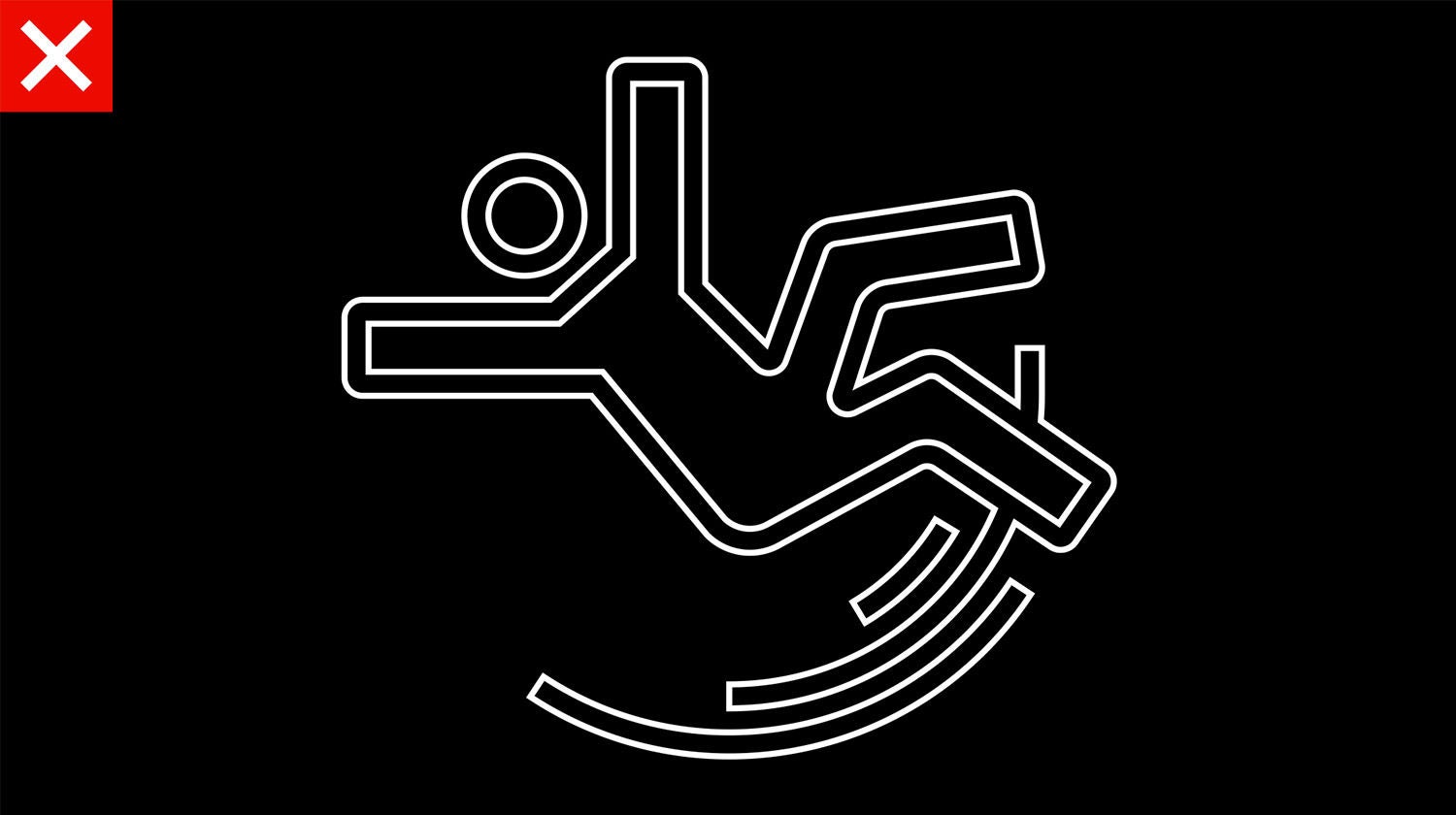
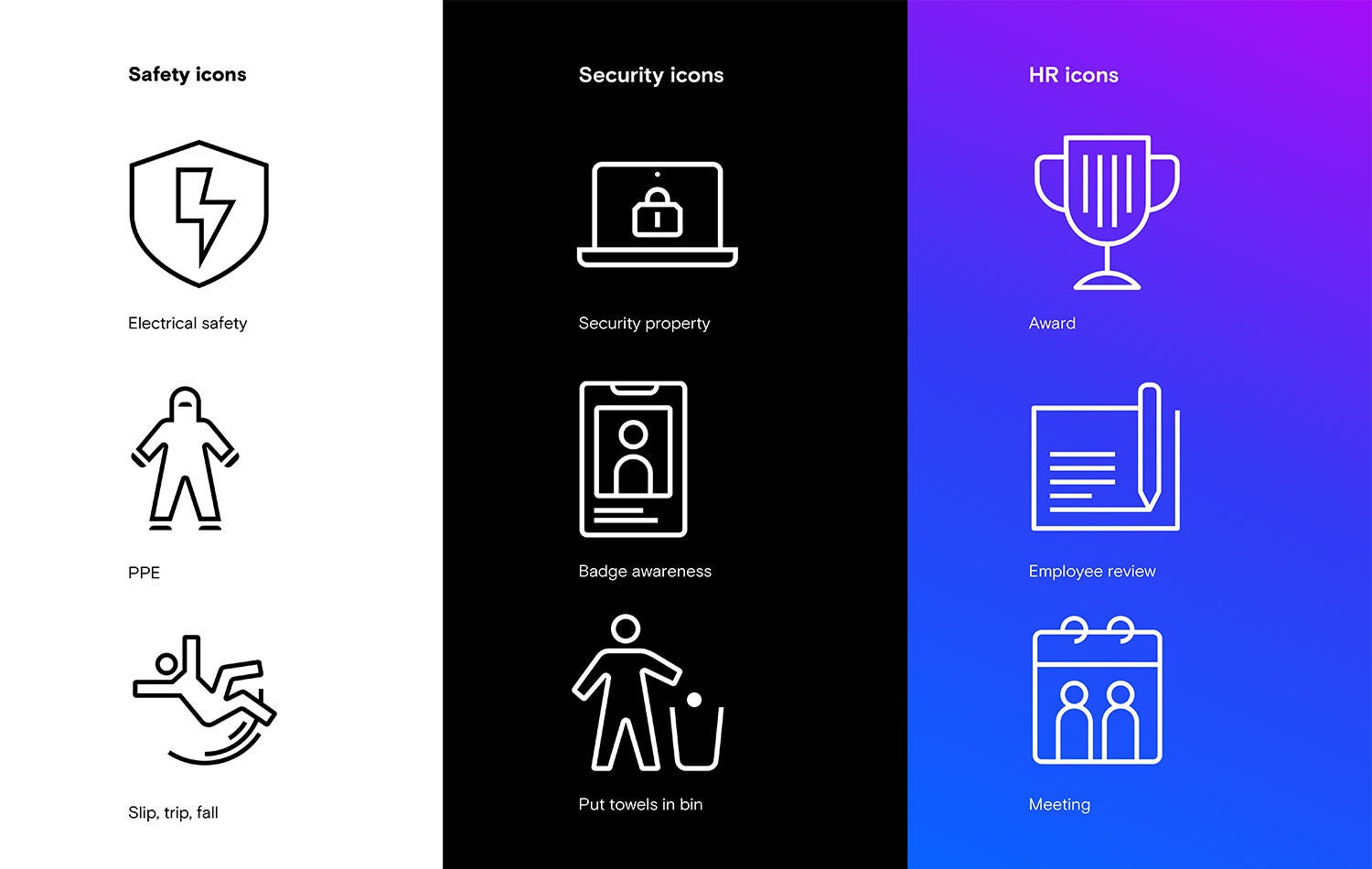
Like our primary icons, secondary icons incorporate geometric shapes, dynamic curves and sharp edges. However, unlike their primary counterparts, secondary icons are only black or white — they do not have color or shading. This monochromatic linework approach makes them more utilitarian and flexible to use.
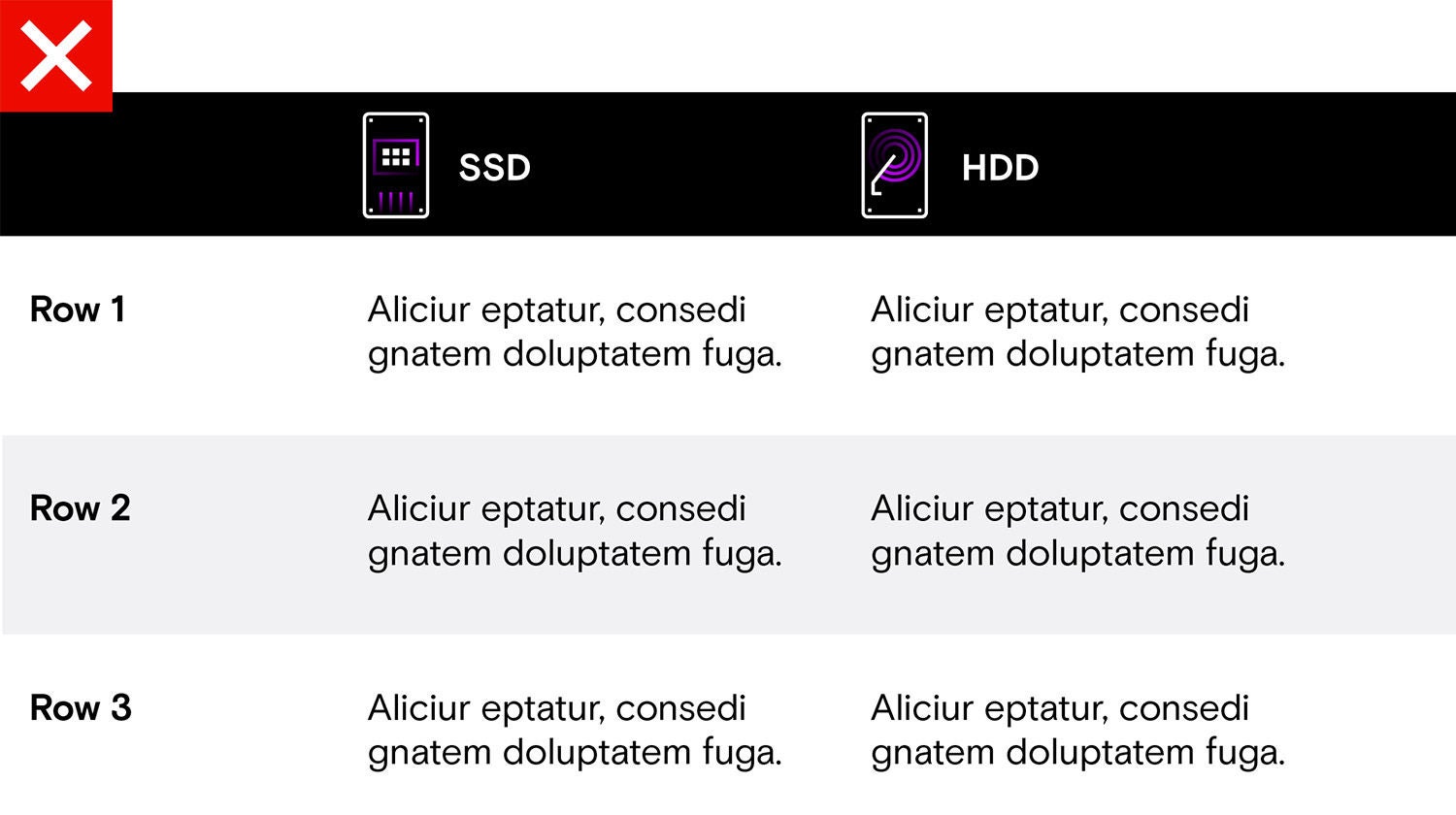
Secondary icons can be placed over black, white, gray and gradient backgrounds.
Click to expand
Usage
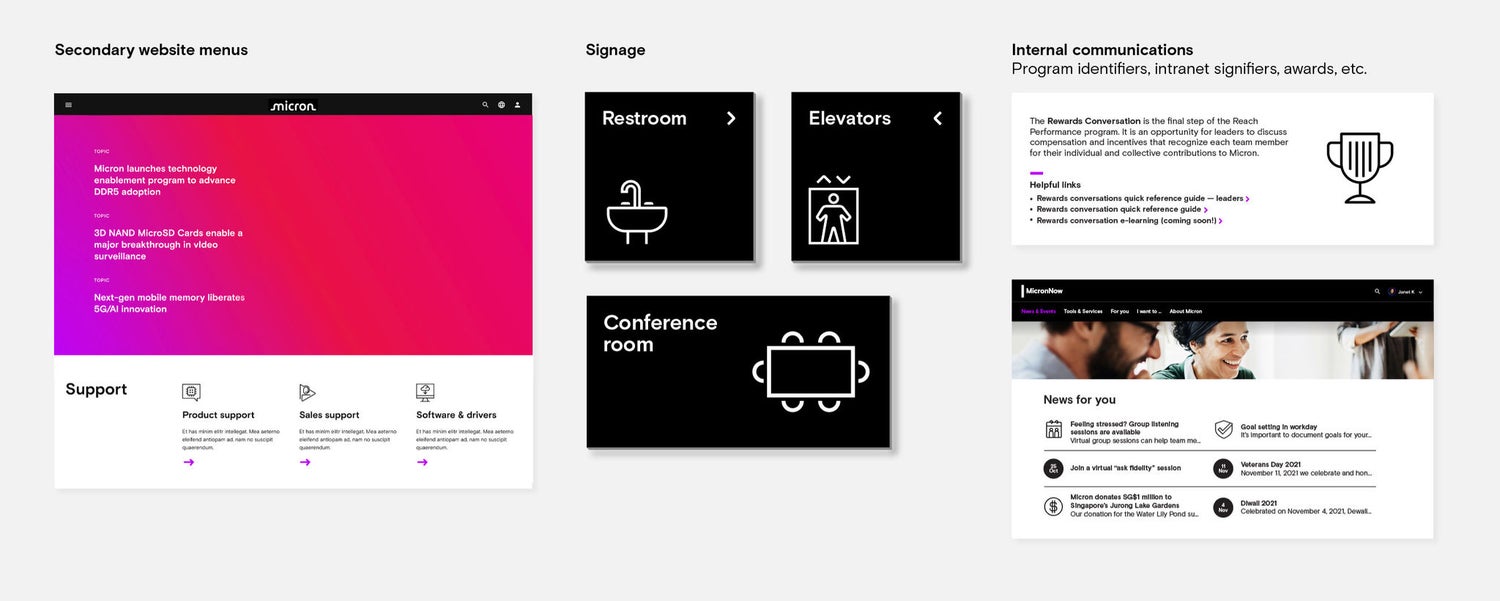
Our secondary icons are designed to help audiences absorb information efficiently without calling too much attention to themselves.
They are used for secondary messaging on our website, signage and utilitarian internal communications.
Click to expand
Primary versus secondary icons
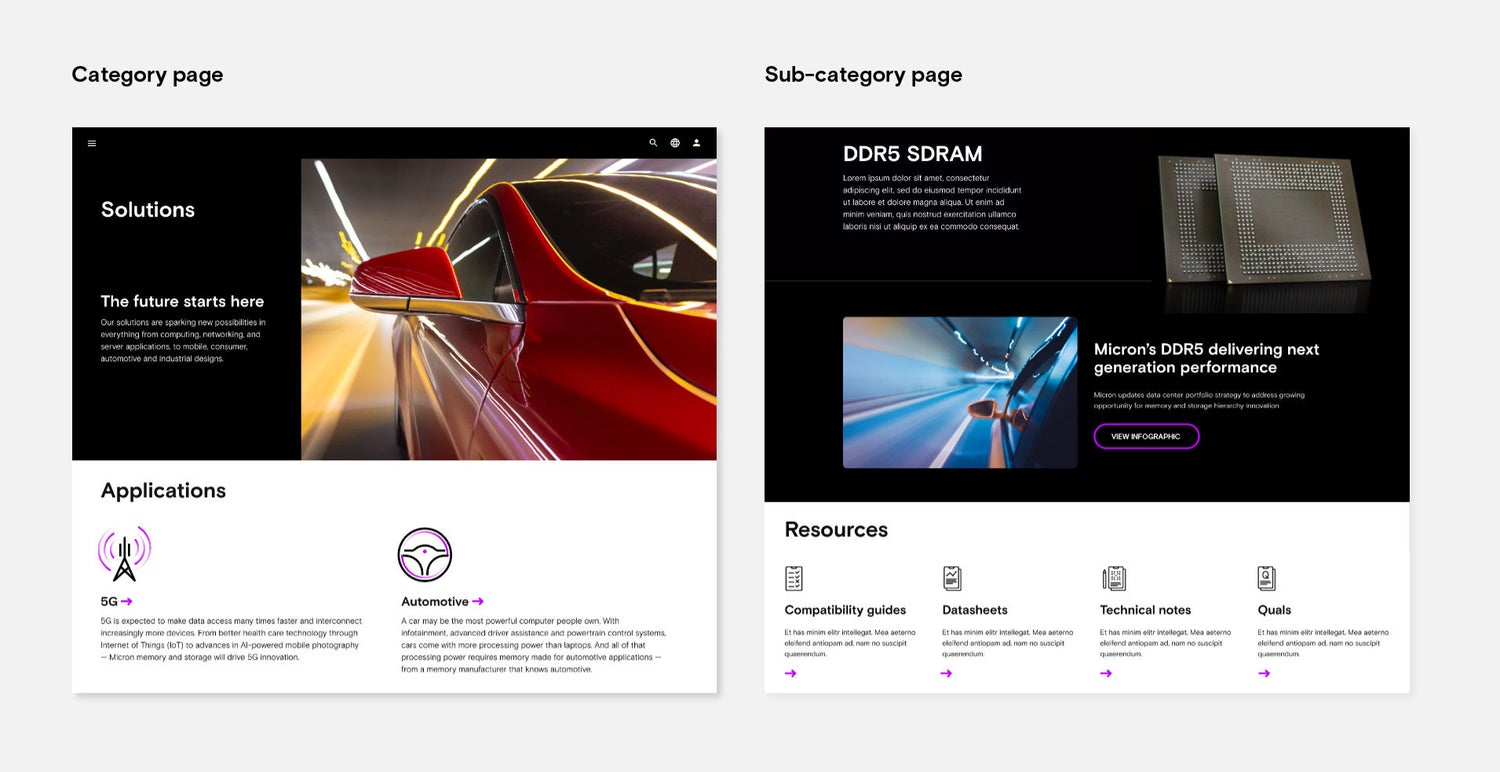
Our primary icons are eye-catching and emotional. They are recognizable and direct the viewer’s attention to primary sections and high-level content.
Our secondary icons are designed to blend into their surroundings and adopt a less prominent visual position. They aid the messaging without overshadowing other content, letting other elements stand out.
For digital applications, we use primary iconography to represent content, ideas or topics that are directly related to Micron’s offerings, people or thought leadership. Secondary iconography is used tactically to support common information, calls to action or content types.
Click to expand
Clear space and minimum size
Clear space
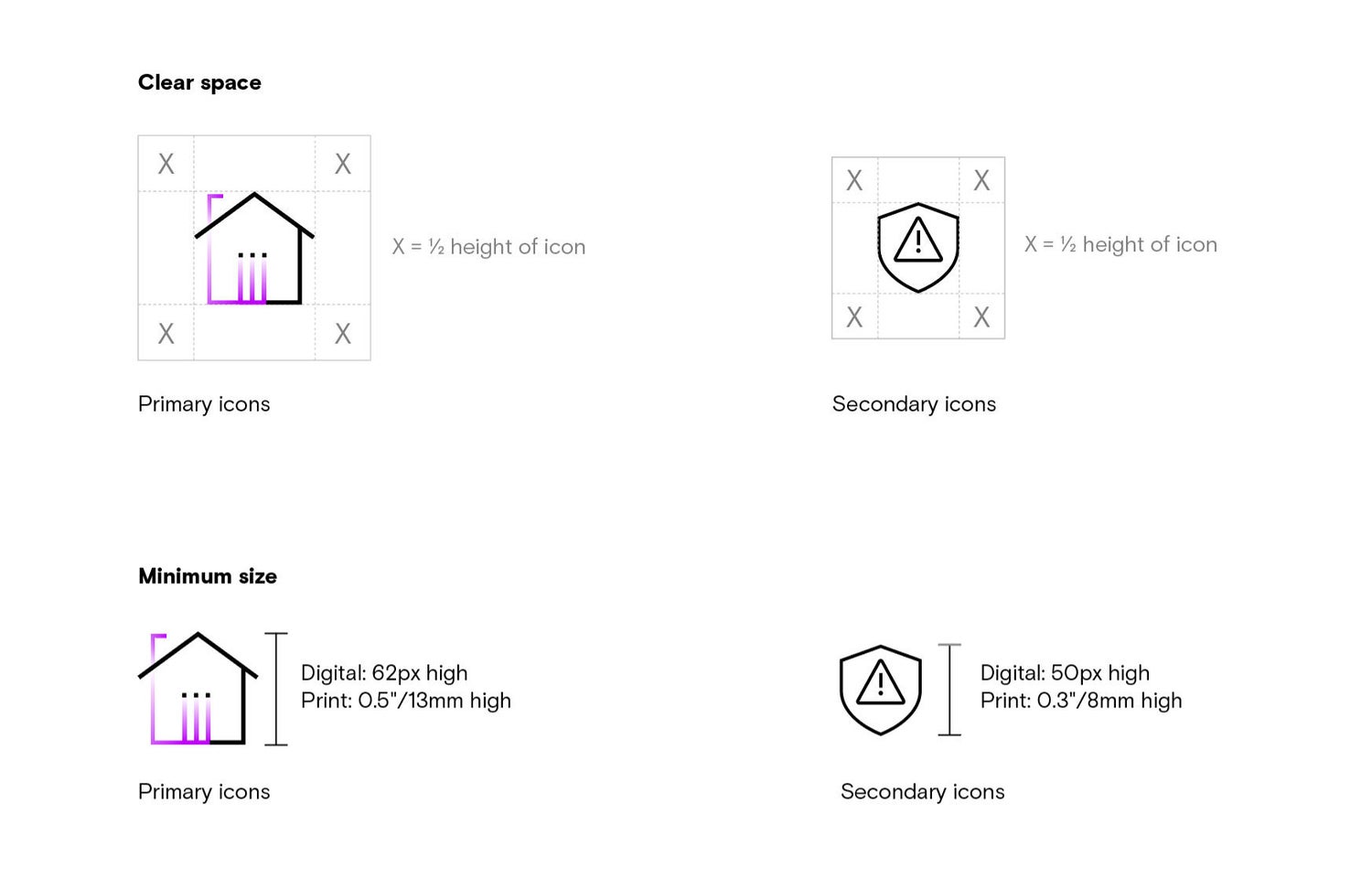
Always follow the spacing requirements to ensure our icons are legible. Maintaining this clear space keeps other text and graphic elements from obscuring the icons. The allotted clear space is part of the icon itself.
Minimum size
The recommended minimum size measurements for our icons are based on the icon’s height. The minimum size ensures that an icon’s details are legible.
The minimum size for primary icons is 62 pixels tall for digital applications and 0.5 inches (13mm) tall for print. If the icons are any smaller, they lose clarity. To maintain visual priority, primary icons should be larger than the minimum size.
The minimum size for secondary icons is 50 pixels tall for digital applications and 0.3 inches (8mm) tall for print. If the icons are any smaller, they lose clarity.