Grid
The Micron grid is the foundation for everything we design. No matter the device or medium, our grid system provides structure and guidance for all your layouts.
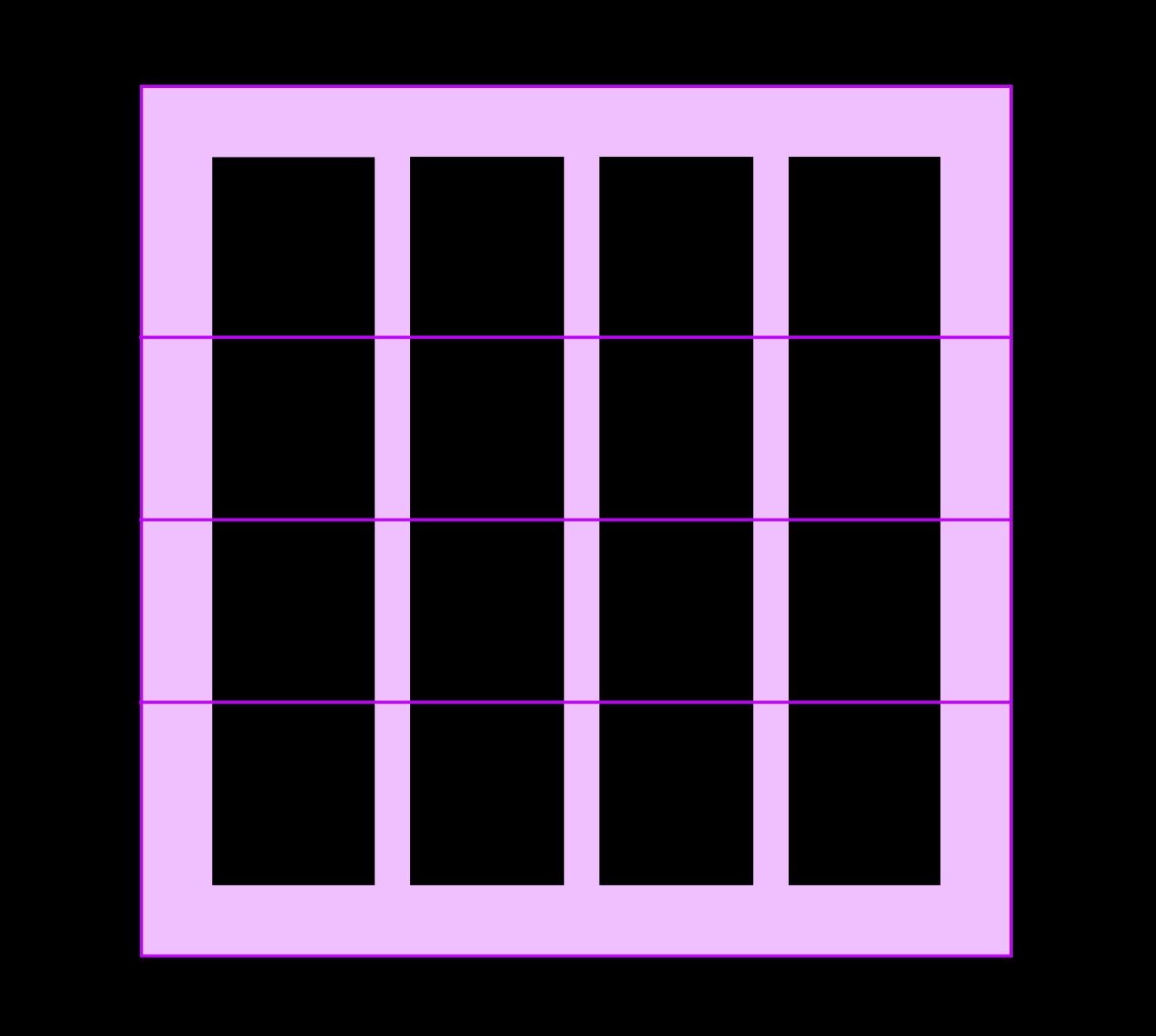
Click to expand
Our grid system
Multiples of 2
Our grid system is built on the idea of multiples of two. This can be applied to most surfaces, 3D objects and architecture as a means to divide space into a helpful grid system. Dividing your space into 2, 4, 8, 16, 32 or 64 columns gives a base for making decisions and organizing content.
Overview
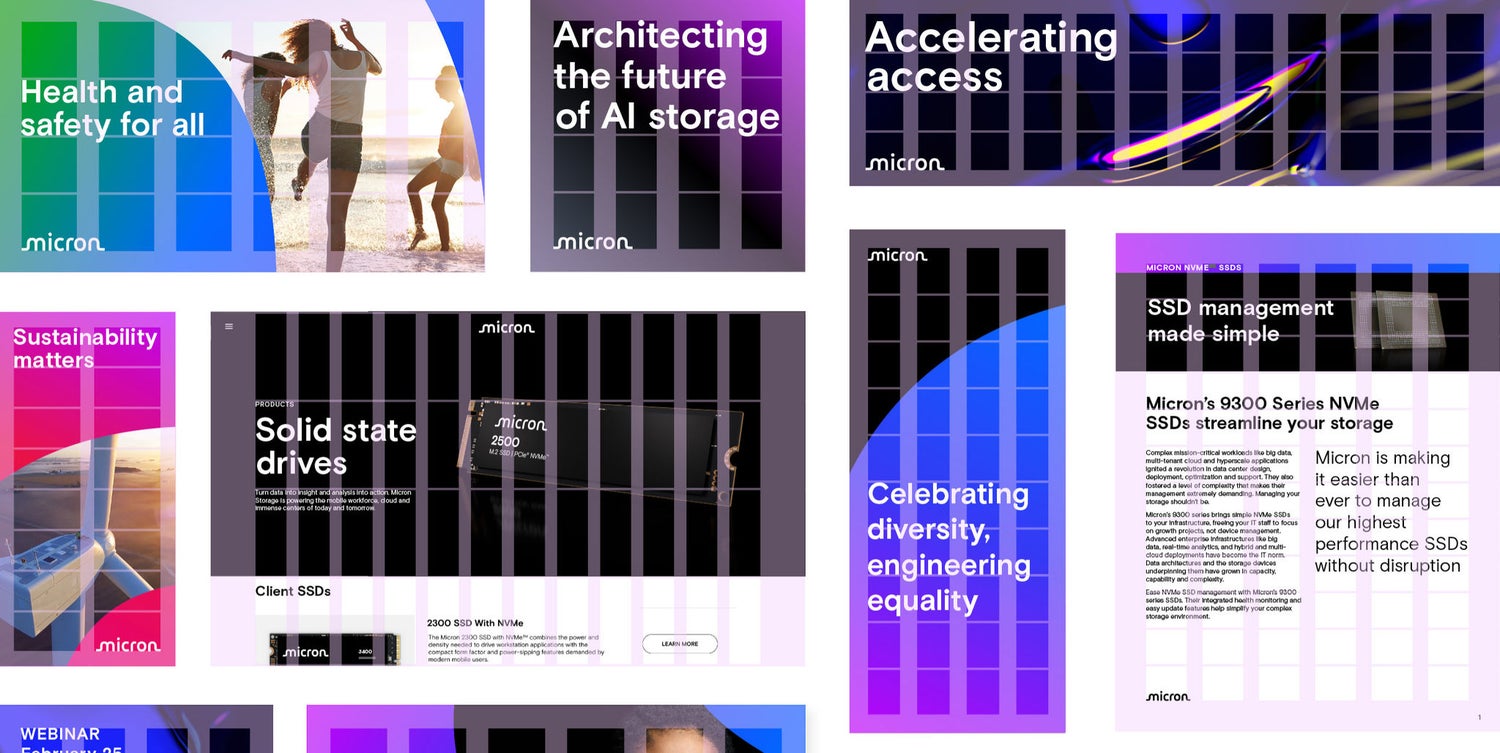
Click to expand
Grid
Margins
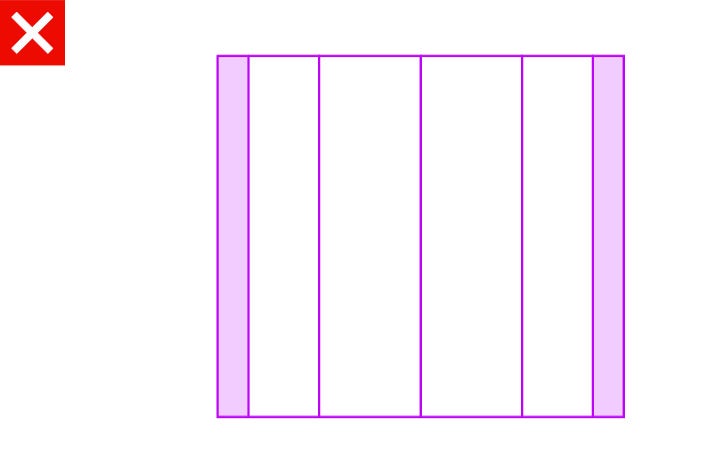
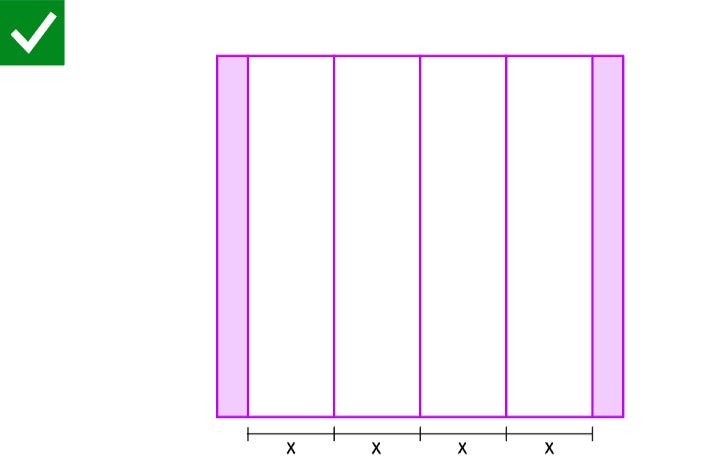
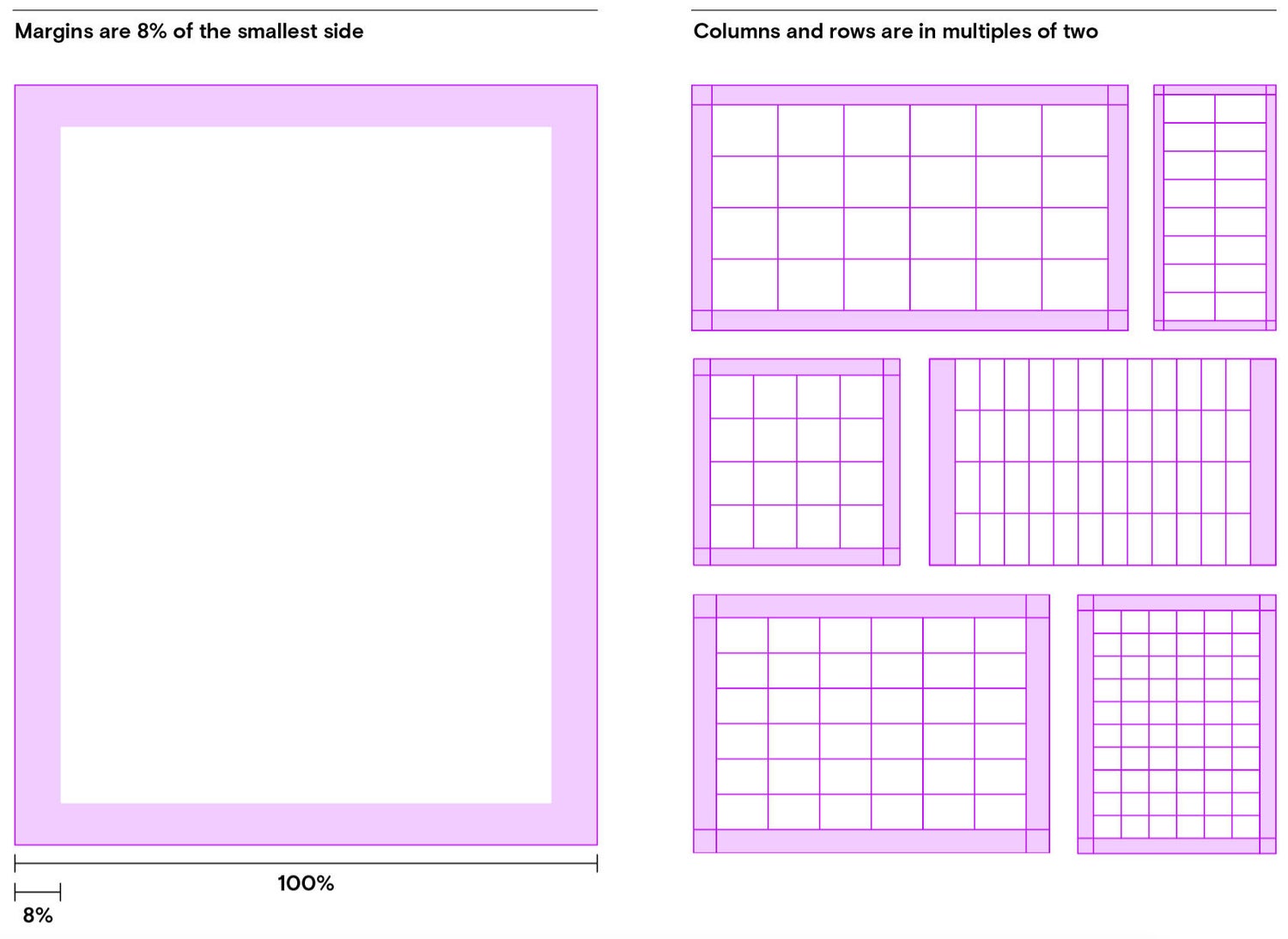
The first step in building our grid is to add margins to the canvas to separate content from the canvas boundaries.
Our margins equal 8% of the smallest/shortest side of the canvas.
Columns and rows
When building the grid, we use columns and rows to give layouts their structure.
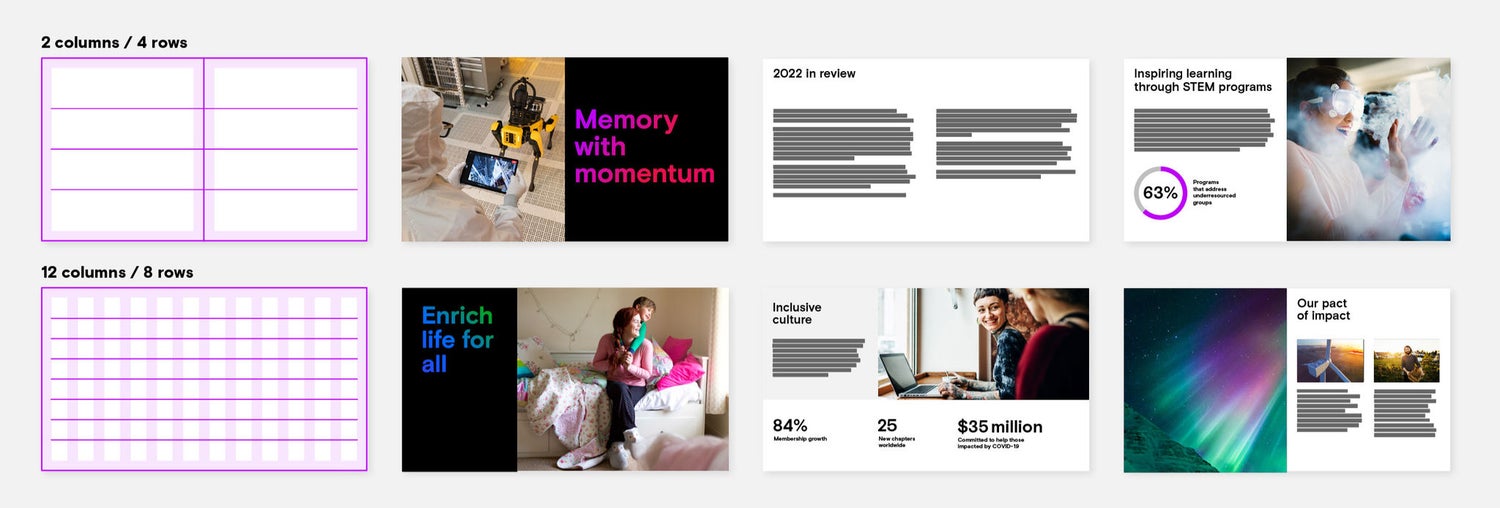
In our grid system, columns and rows should be equal to a multiple of 2. You can choose any number of divisions as long as it is a multiple of 2 and you stick to your choice throughout the design to maintain structure.
Click to expand
Columns and rows
How to choose
Larger numbers of columns and rows will give more design flexibility over the layout. With a 12-column grid, for example, it’s possible to have 12, 6, 4, 3, 2 (or 1) evenly spaced columns.
Fewer columns and rows gives a more structured and potentially consistent layout.
Click to expand
Gutters
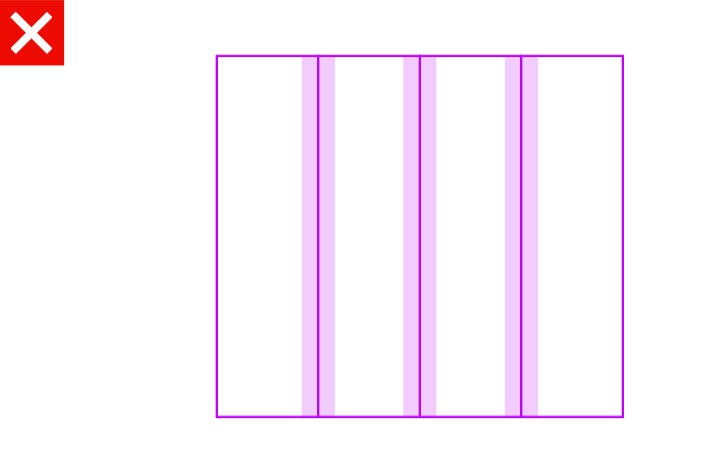
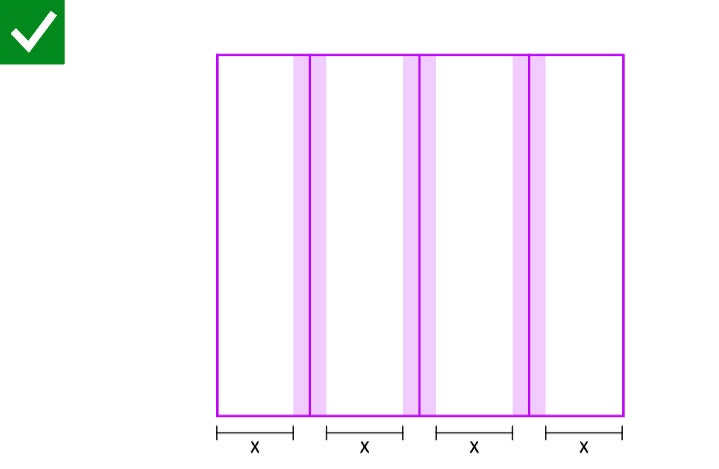
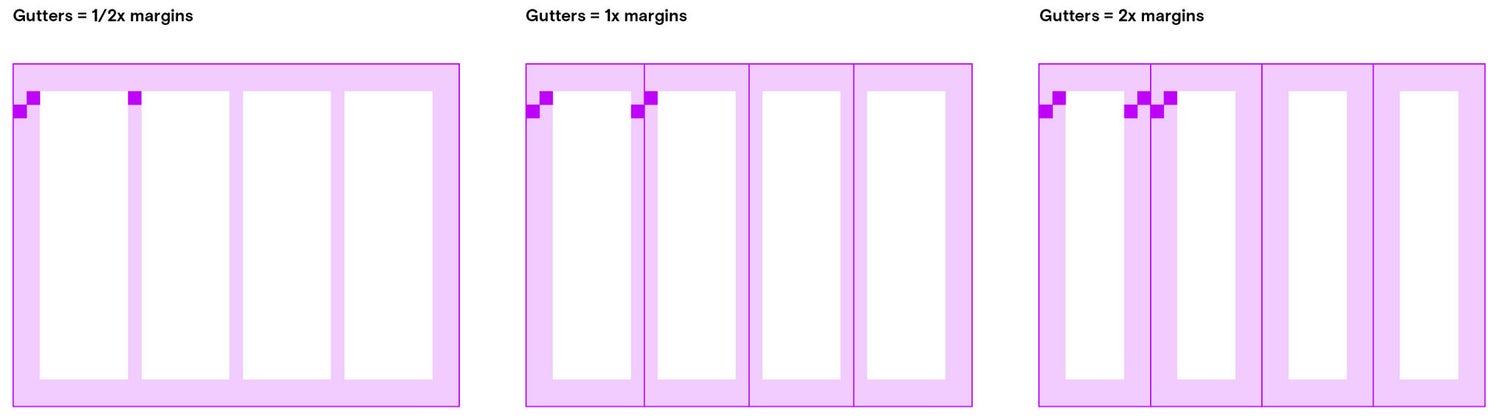
Add gutters to columns when additional space is needed to separate content.
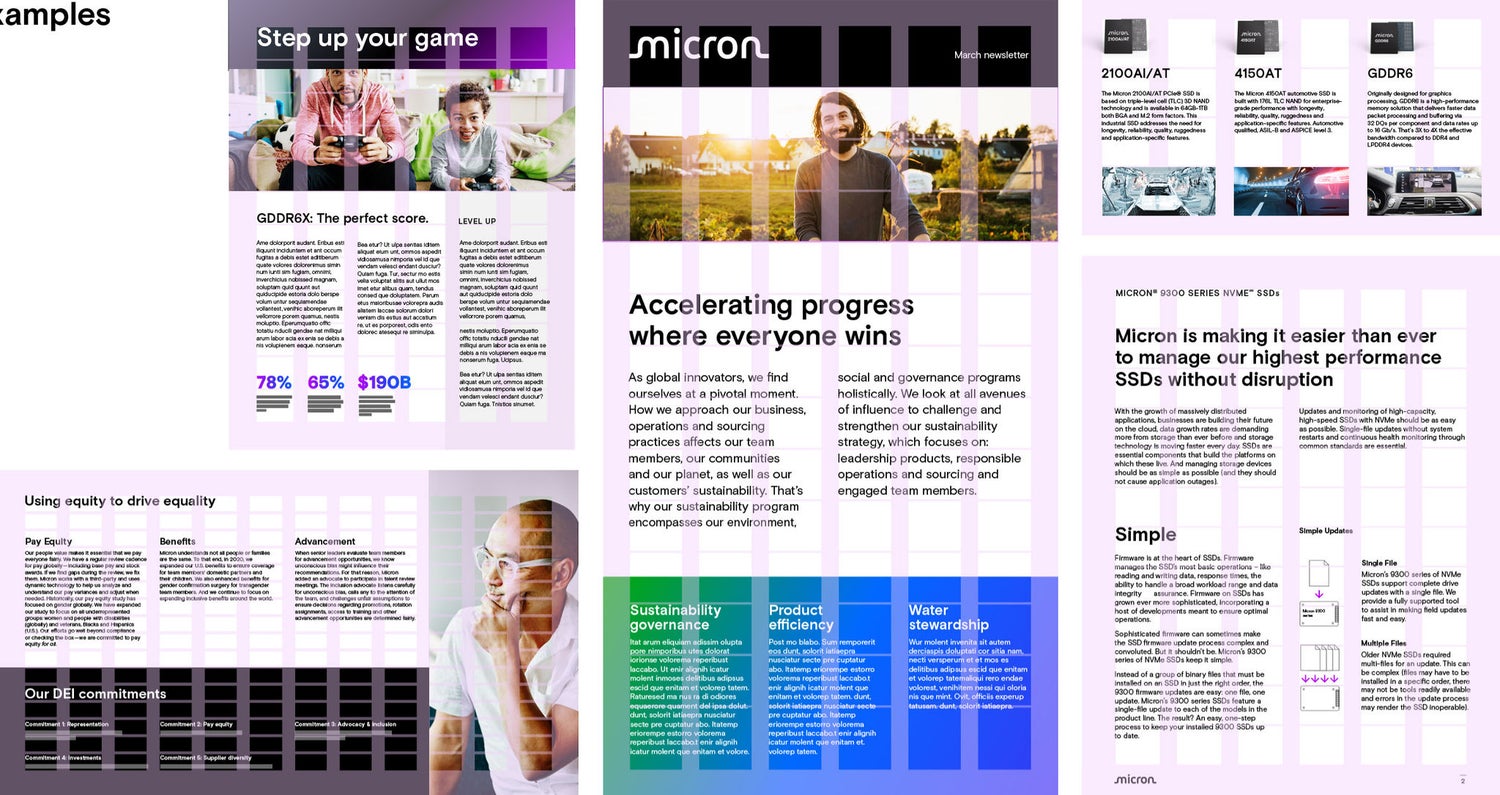
When using gutters, always align type to the gutters rather than to canvas divisions.
Gutters should be built in relation to the margins. For example, they can be half the margin size, the same size as the margin or twice the margin size.
Click to expand