Gradients
Specifications






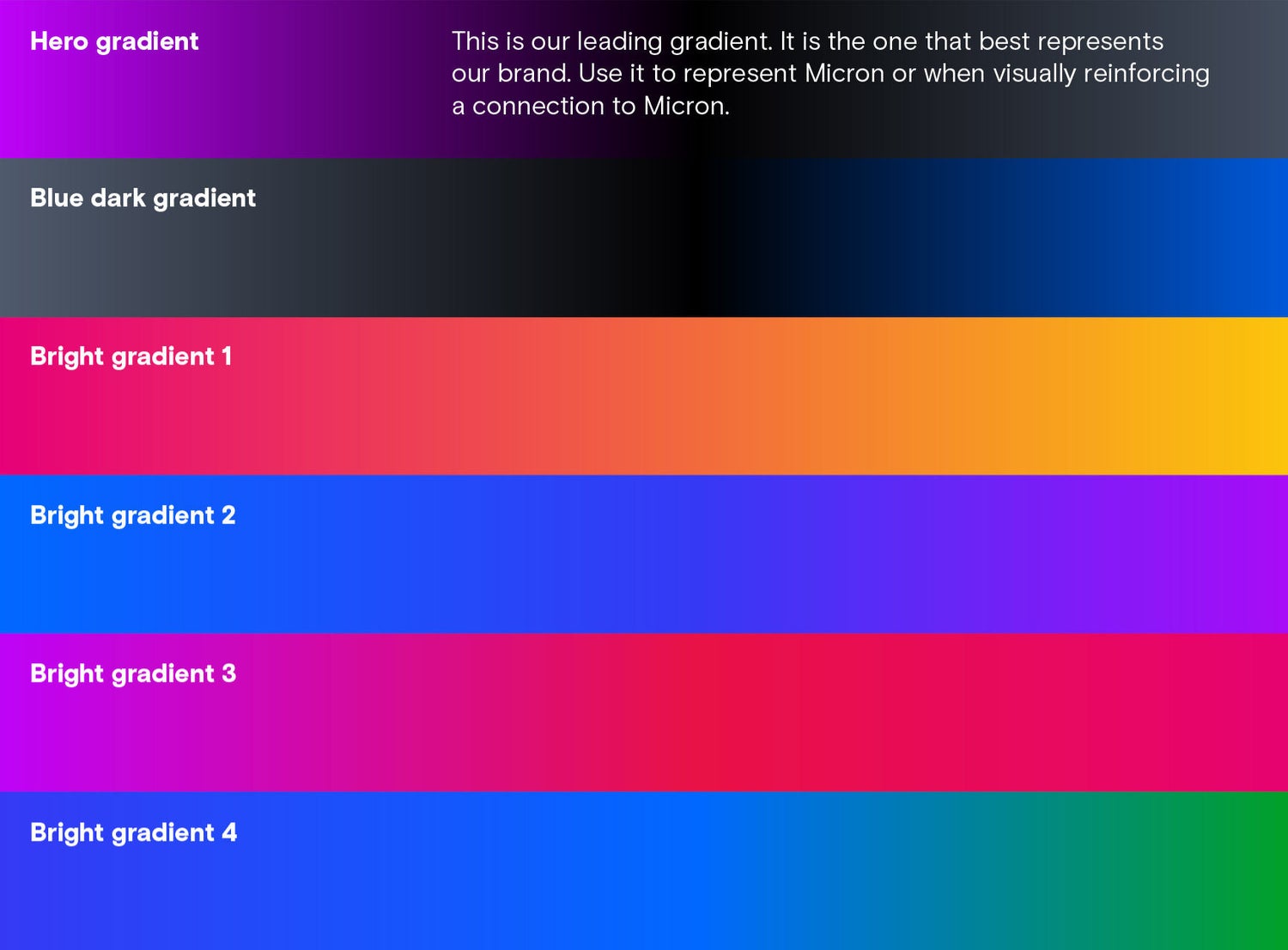
Click to expand
Gradient background and copy
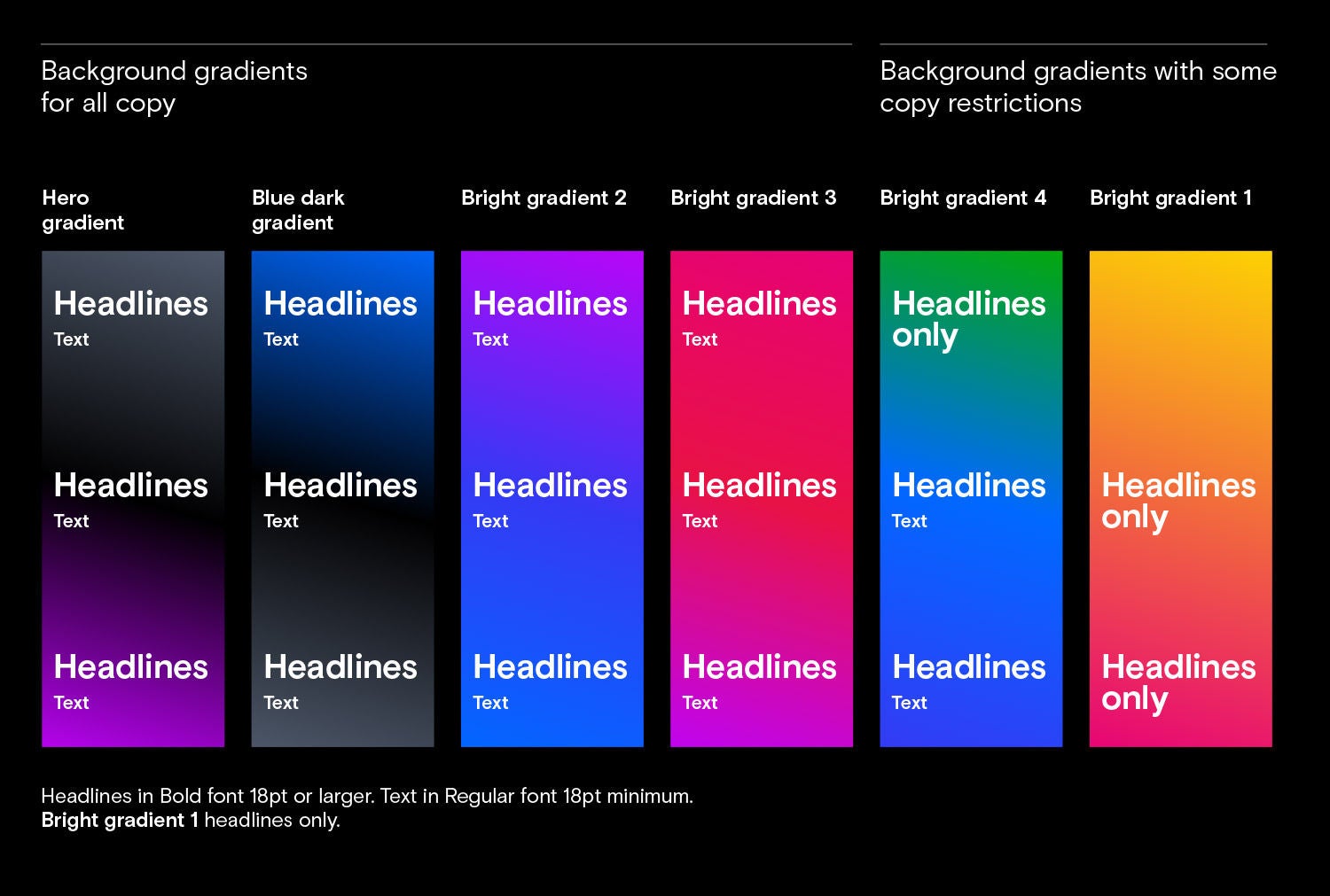
Our gradients can be used as backgrounds for headlines, and sometimes for smaller copy. Text over gradients should always be white.
The hero gradient, blue dark gradient and bright gradients 2 and 3 can be used with any size copy. Use them as backgrounds for both headlines and text.
Bright gradient 4 works well for sustainability and wellness subject matter. You can use any part of it for headlines. The blue sections — not the green section — can also be used for smaller copy.
Bright gradient 1 is our brightest gradient. It should be used for headlines only, and no headline or text should be placed in the yellow area.
To add the right dynamism and vibrancy to our communications, our gradients should be used intentionally and balanced with our neutral backgrounds.
Click to expand
Color use
Balance
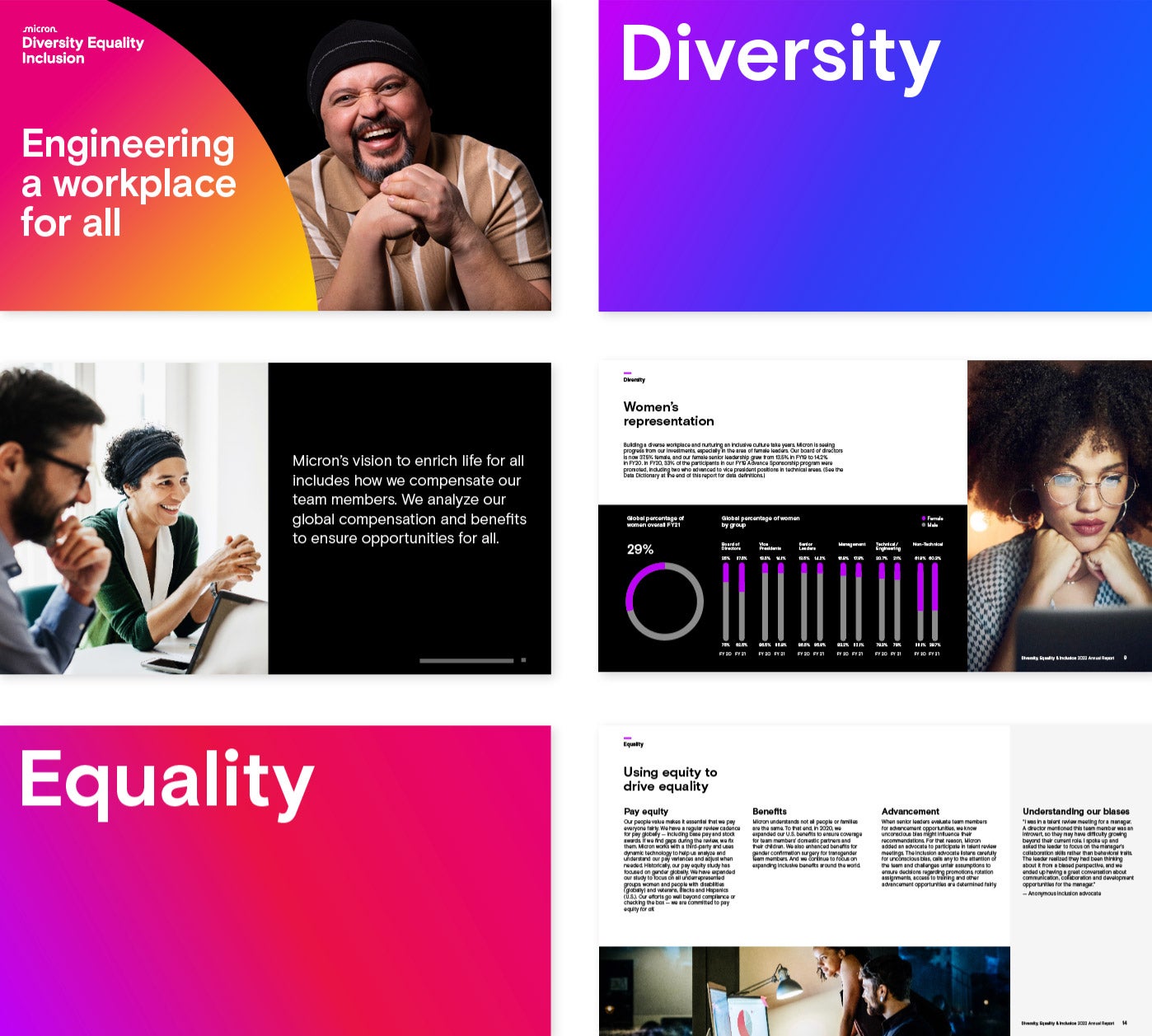
Our gradients should be used deliberately to make powerful statements. Always balance use of our gradients with black and white to maintain a sense of excitement, without overdoing it.
Use our gradients in eye-catching pieces like presentation covers, posters, banners and social media posts. They can also be used as divider pages to help organize content in a presentation or as backdrops
to highlight important information.
Use white backgrounds to create balance and provide a framework for copy-heavy areas. Use light and dark contrast areas to attract attention and guide readers through information.
When utilizing gradients in a campaign, use a combination of bright and dark gradients rather than just one gradient throughout. This is to avoid having a single gradient mistaken as Micron’s primary brand color.
If space constraints are limited to only one gradient, use the dark purple gradient, which is our hero gradient — no other single-use gradients are permitted.
Click to expand
Color use
Gradients
Dark gradients
- paired with lighter photographs, for more contrast
- as a background for quotes or small paragraphs
Bright gradients
- paired with darker photographs, for more contrast
- for eye-catching or attention-grabbing pieces
- in headlines
Click to expand
Color use
Gradients in publications
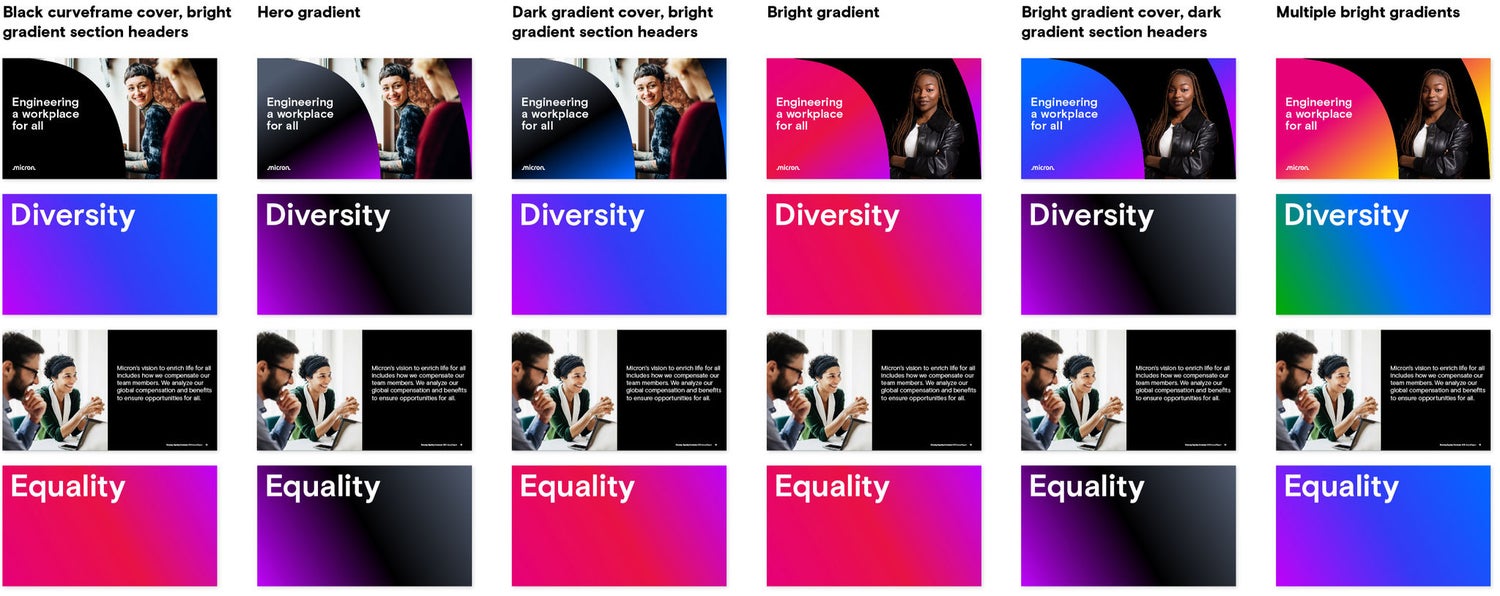
Use our range of gradients to add variety and break up content in presentations or publications. For presentations that cover a single topic, use one gradient across the entire presentation.
Click to expand
Color use
Gradients in publications
Things to avoid
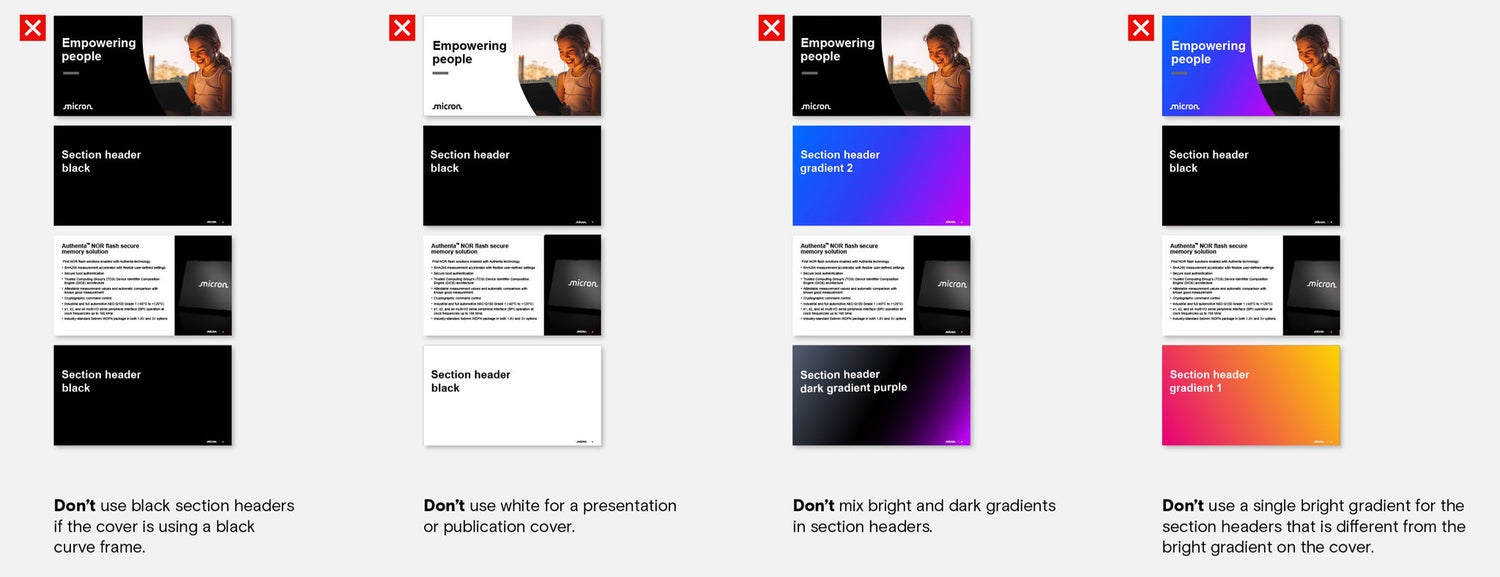
Use one of our gradients on presentation cover slides. Never use black or white. When leading with a gradient, use the same gradient on section header slides if the presentation covers a single topic or use multiple bright gradients if the presentation covers multiple topics. Never mix dark and bright gradients on section header slides or use a single gradient different from the cover slide gradient.
Color use
Itemized applications
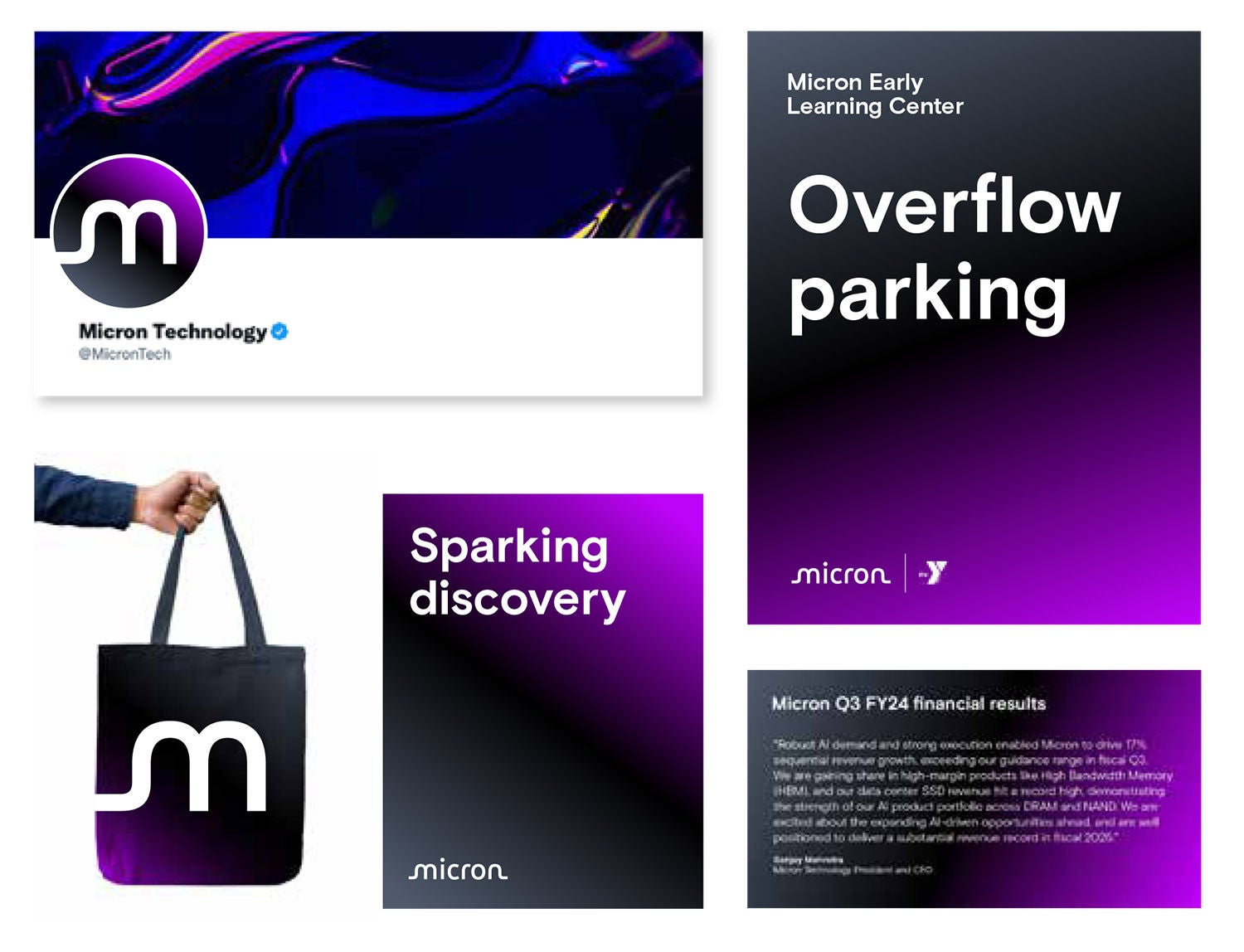
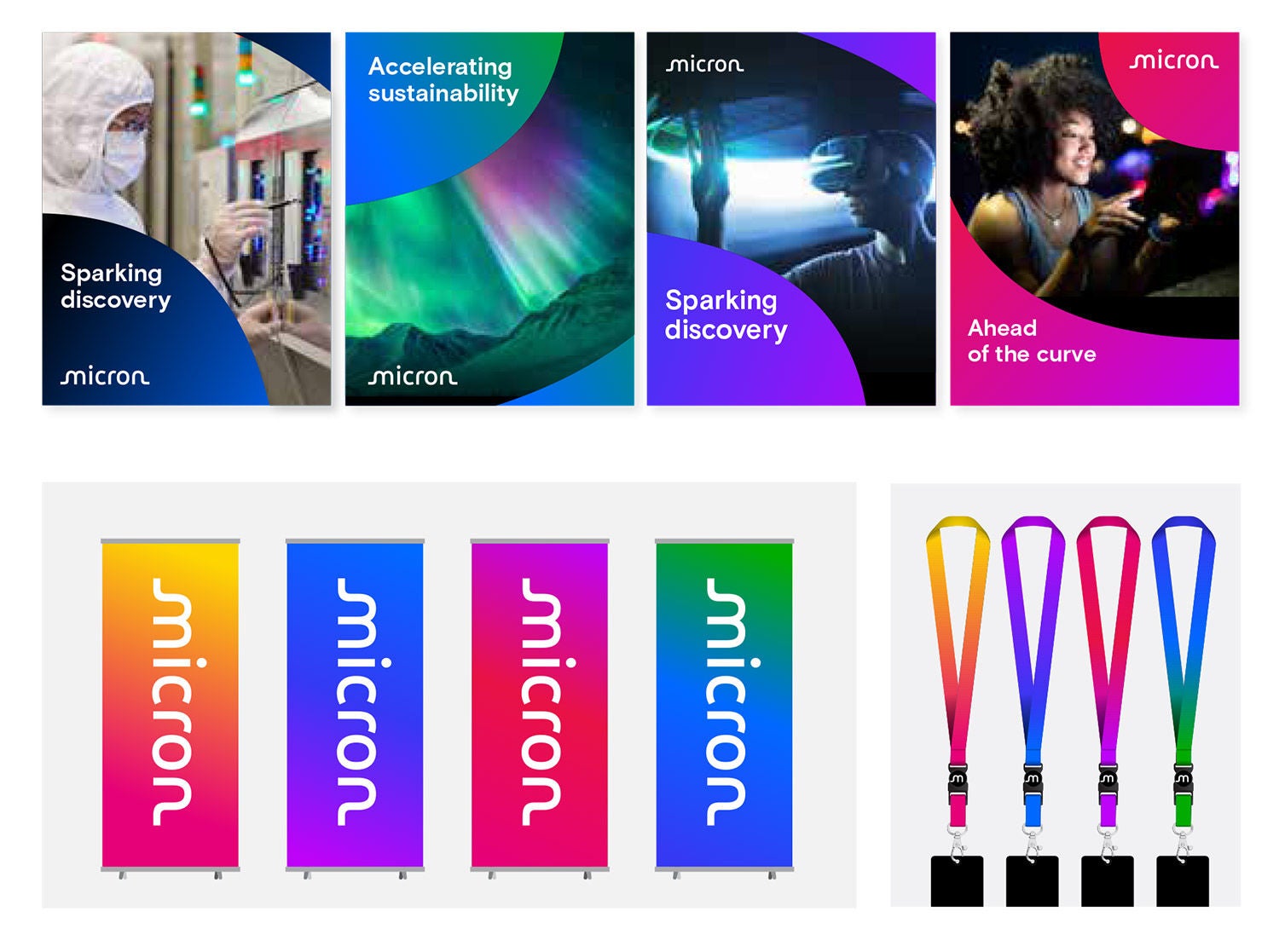
Click to expand
Gradient direction
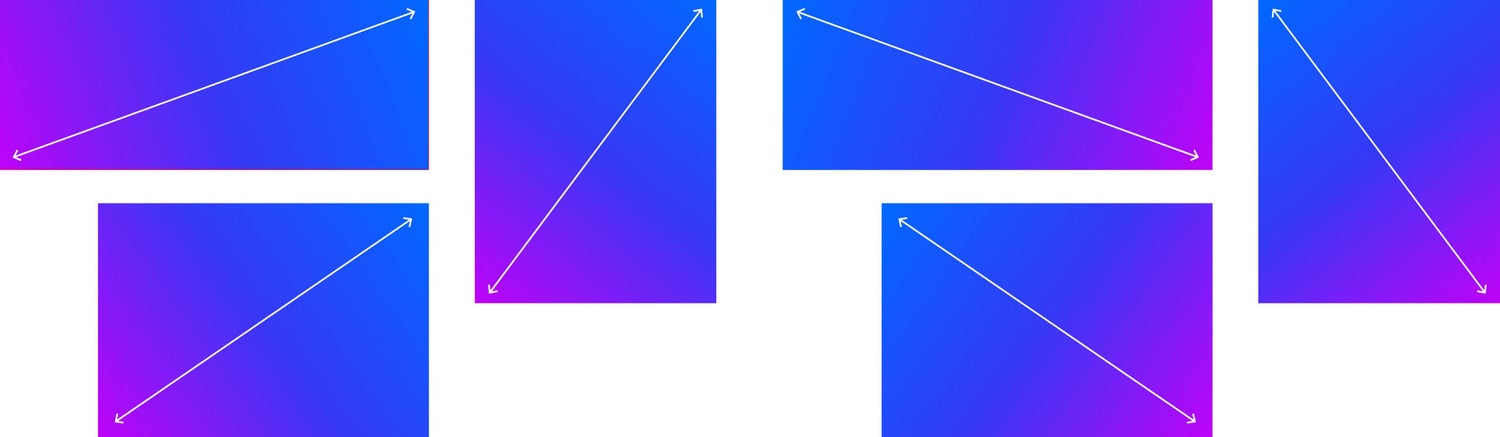
The colors in our gradients always travel diagonally from corner to corner.

Click to expand
Combining the gradient and curve frame
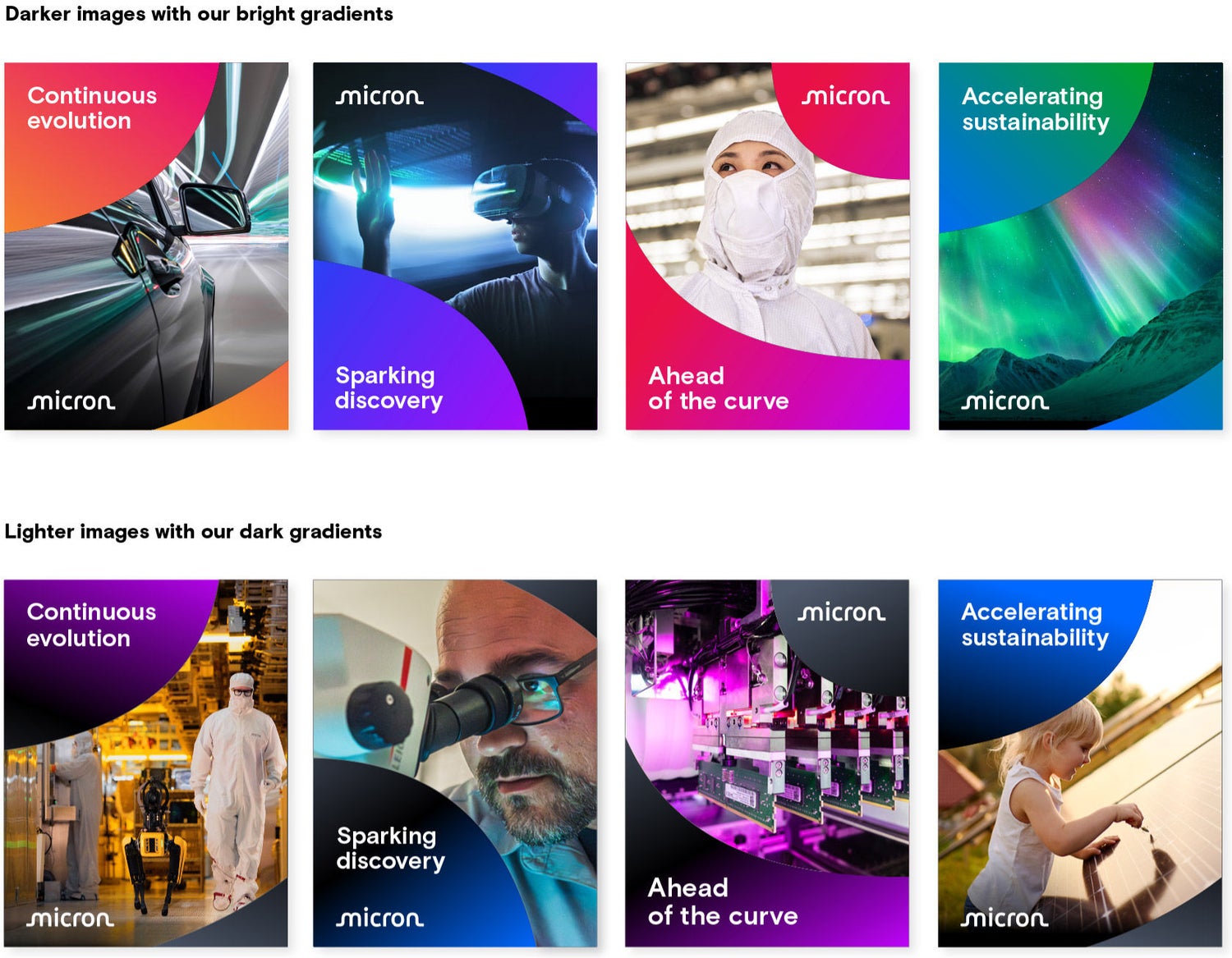
When an image is used inside a curve frame with a gradient background, adjust the direction of the gradient to avoid hard breaks in color.
Click to expand
Gradient with imagery
When photography is used with a gradient in a curve frame, there should be contrast between the gradient and the image for the curve frame to be visible.
Lighter photography should be paired with our dark gradients to ensure there’s enough contrast to see the edges of the curve frame.
- We can color match the gradient with photography.
- Pair photography with a gradient that has complementary colors.
- We can also use gradients to support a specific topic or subject matter. For example, we can use our green gradient for sustainability and wellness.
Click to expand
Bright gradients in headlines
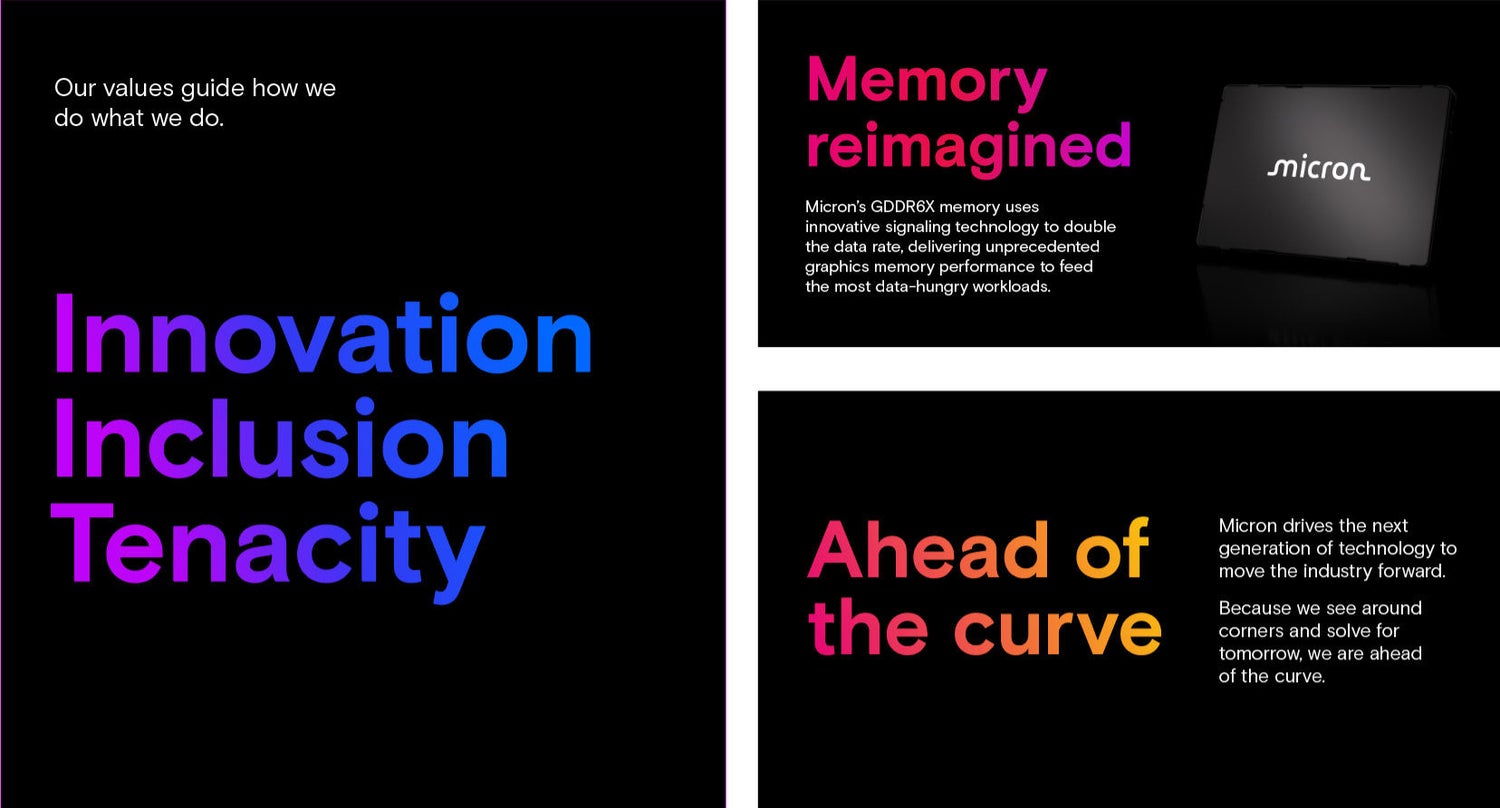
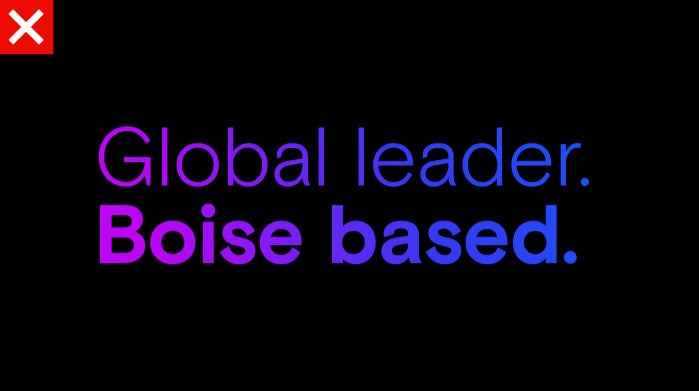
All our bright gradients can be used in headlines on black backgrounds. Set the headline in Micron Basis Bold. Do not use our dark gradients in non-headline copy.
Gradients may be used in tier-1 headlines and hero moments provided those statements are 5 words or less. Use this type treatment for big, eye-catching moments only — overusing it will minimize its visual impact.
Black backgrounds with gradient headlines are always preferred, but you may use bright gradients 2, 3 and 4 in headlines on a white background. Do not use bright gradient 1 on white backgrounds in digital touchpoints, as the yellow part of the gradient on white is not ADA compliant.
Acceptable usage



Click to expand
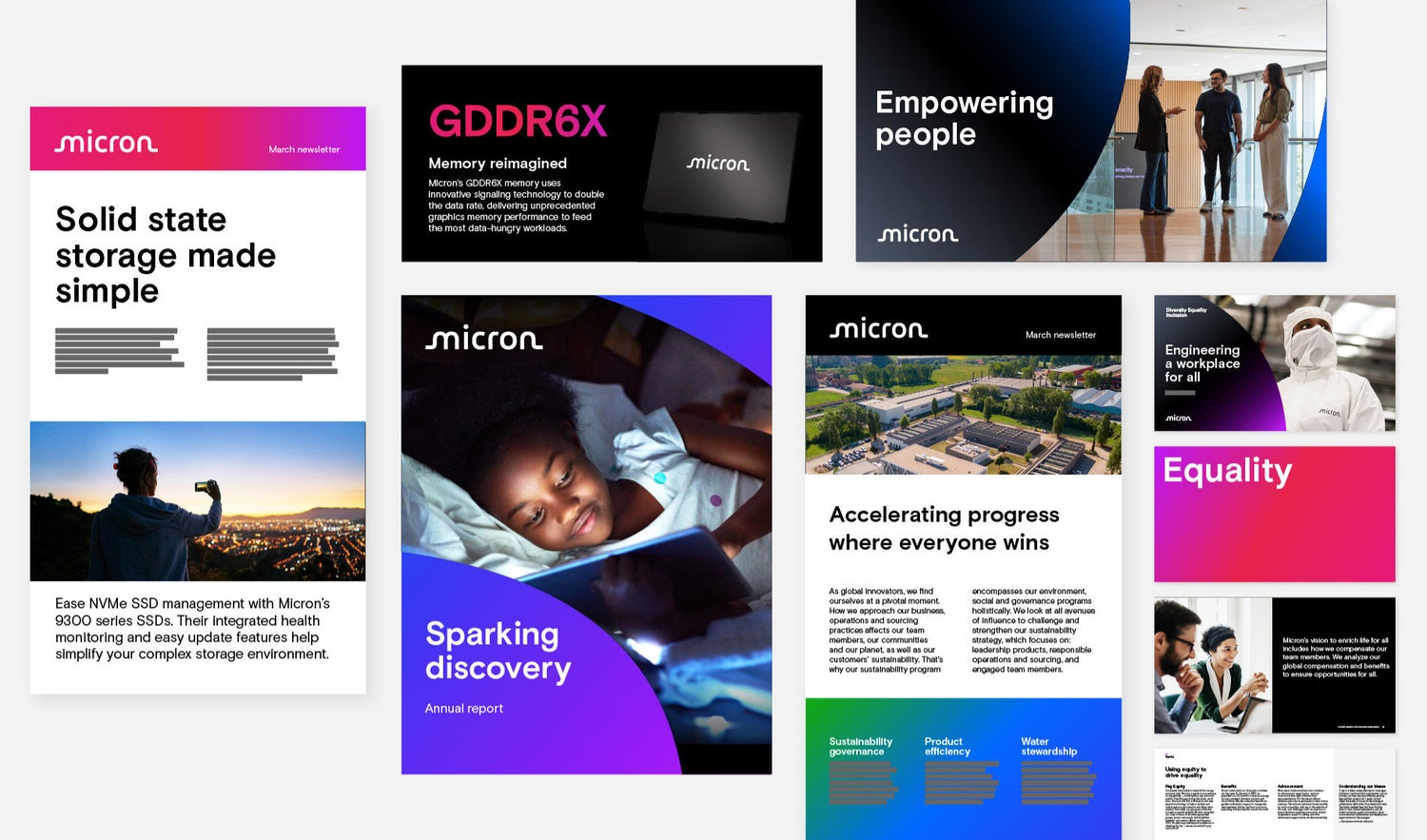
Gradient usage
Examples
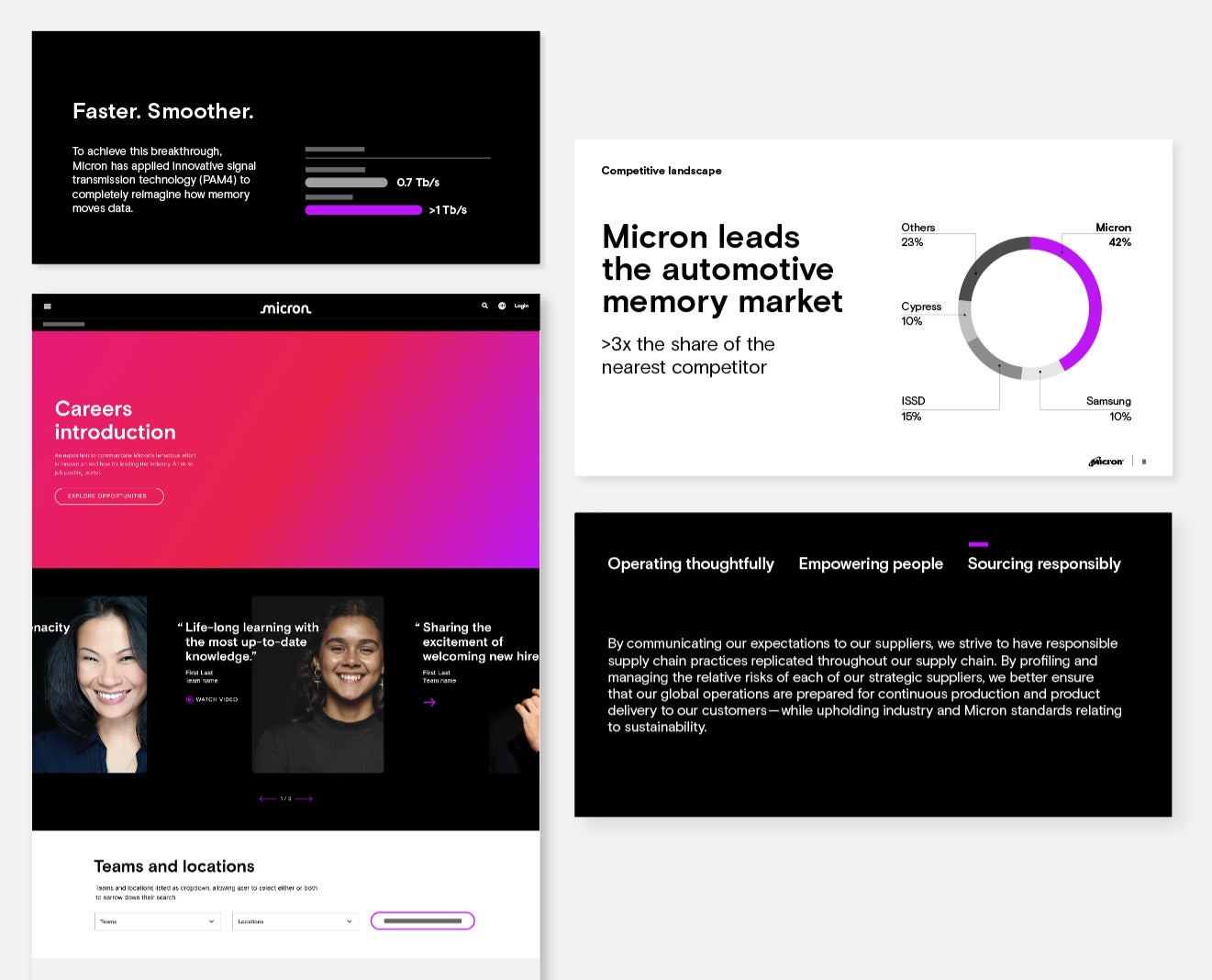
Click to expand
Use of accent color
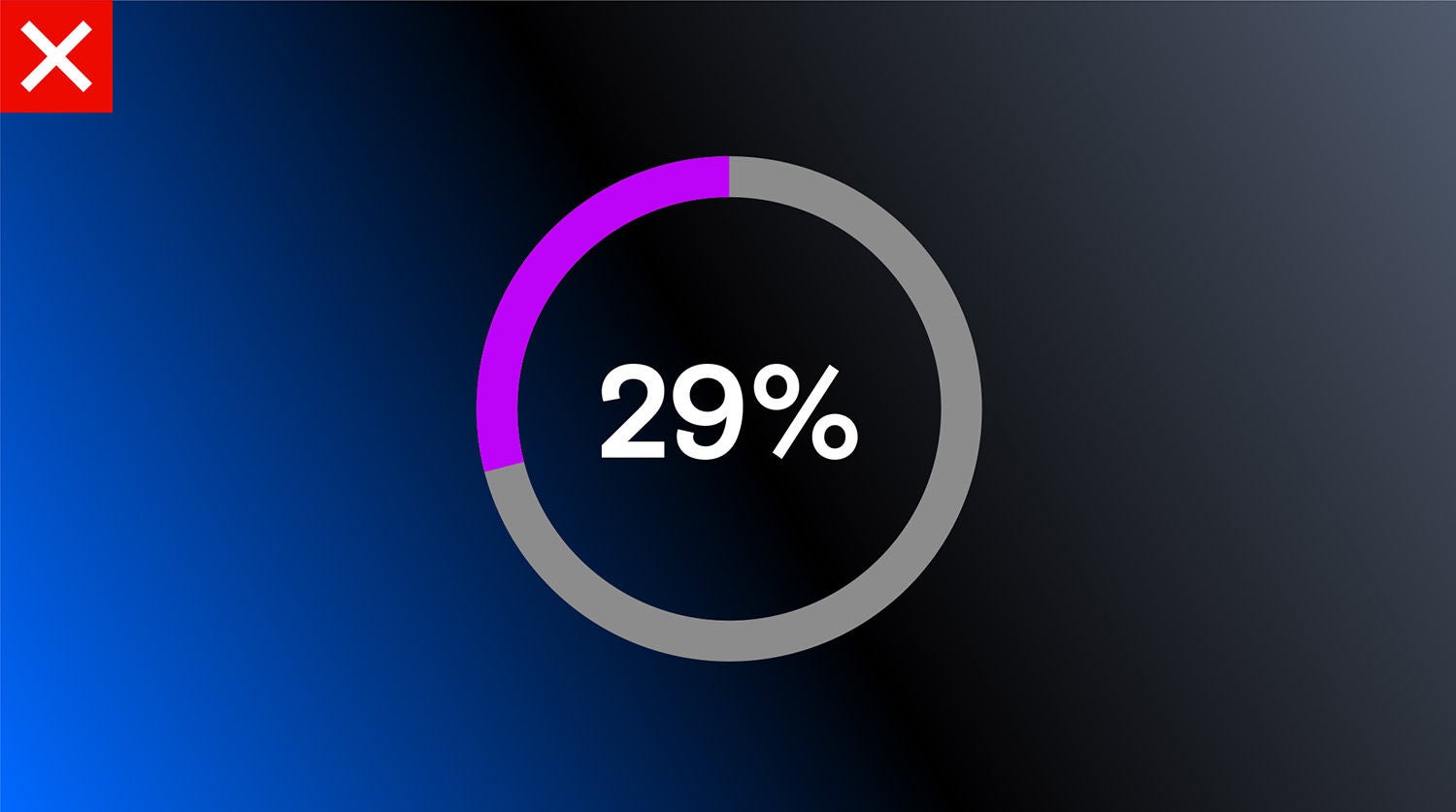
Our accent color should be used minimally and with intention. Our accent color can be used over white and black backgrounds — never over gradient backgrounds.
Approved accent color usage
- Navigational aid, calls to action
and buttons - Hyperlinks over 10pt
- Micron-related data within a graph
Not approved accent color usage
- Headlines
- Text that is not an active hyperlink
- Solid backgrounds